User guide
How every page, panel and menu of FloMotion works.
Resources
Sample projects and walkthroughs for getting things done in FloMotion.
Agentic PCB editor
November 5, 2026
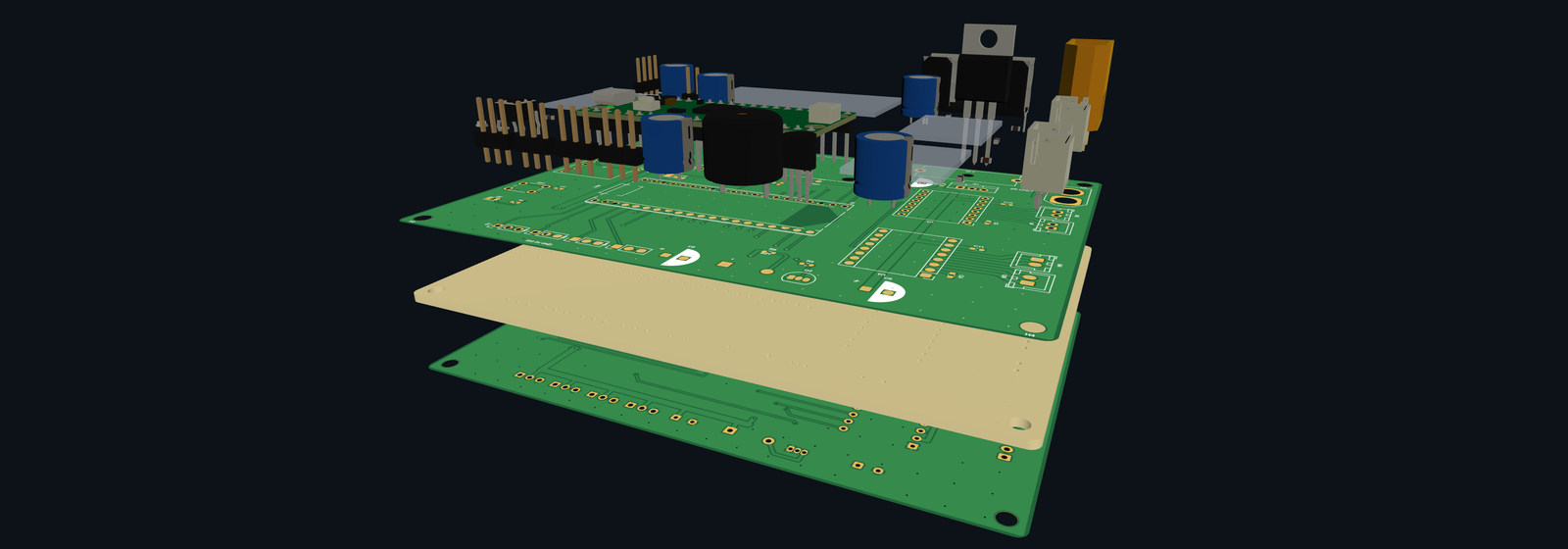
Turn a schematic into a KiCad 10 printed circuit board in the browser. Place parts, route tracks, fill copper pours, run design rule checks, view the board in 3D and prepare JLCPCB assembly files by hand or with an AI agent.
PCB files for fabs and KiCad
November 5, 2026
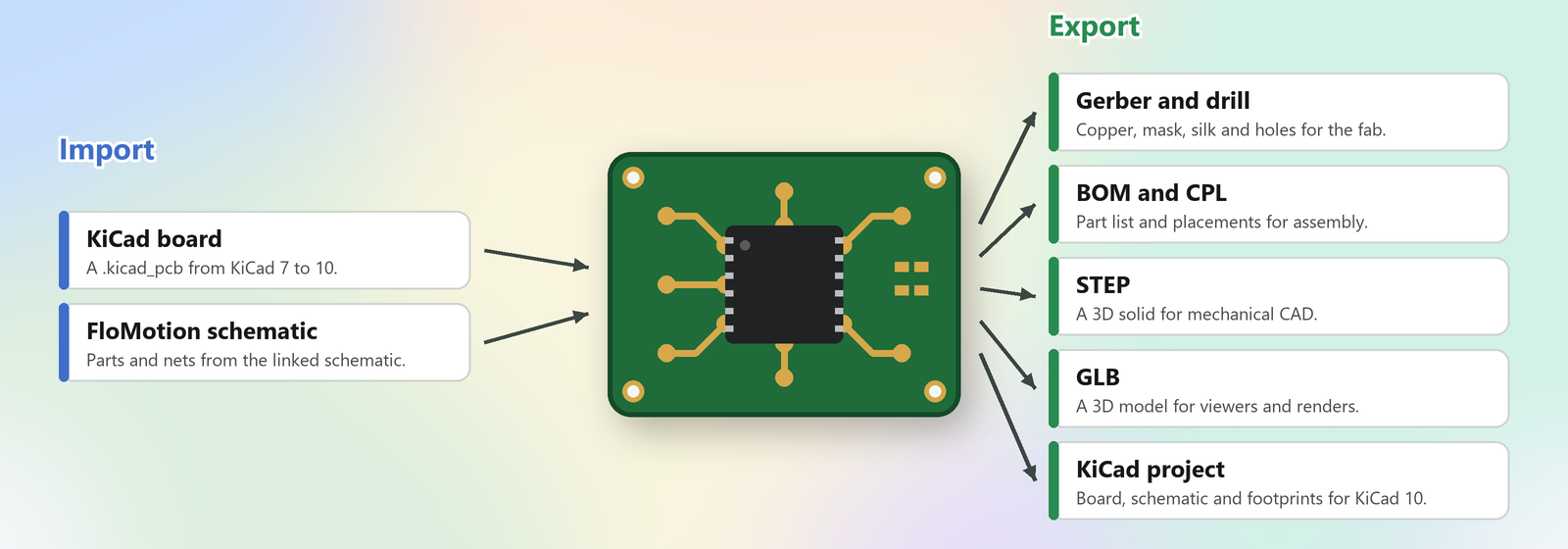
Exporting Gerber, drill, BOM, CPL, STEP, GLB and KiCad project files from a PCB layout, and loading KiCad boards back into FloMotion.

Flow testing wings and propellers
November 1, 2026
Wings, propellers and hulls are judged by the forces a moving fluid exerts on them: lift, drag, thrust and torque. Historically measured in wind tunnels, these forces are also computed numerically on a mesh of cells around the shape. This article explains the numbers behind wing and propeller tests, and follows a glider wing, a drone propeller and a model boat hull through a flow simulation on a FloMotion test bench.
Stress testing printed parts
November 1, 2026
A bracket or a robot arm is sized so that the stress inside it stays below what its material can take. This article covers how finite element analysis estimates that stress before a part is printed or machined, and follows a PLA wing bracket through a stress test on a FloMotion test bench.
Leader-follower teleoperation
October 30, 2026
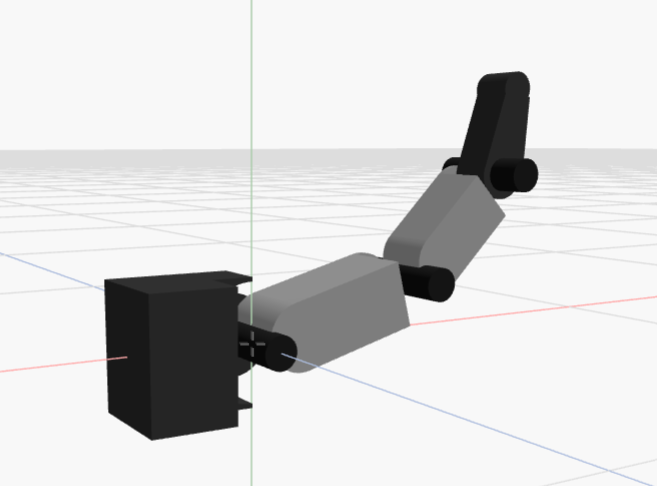
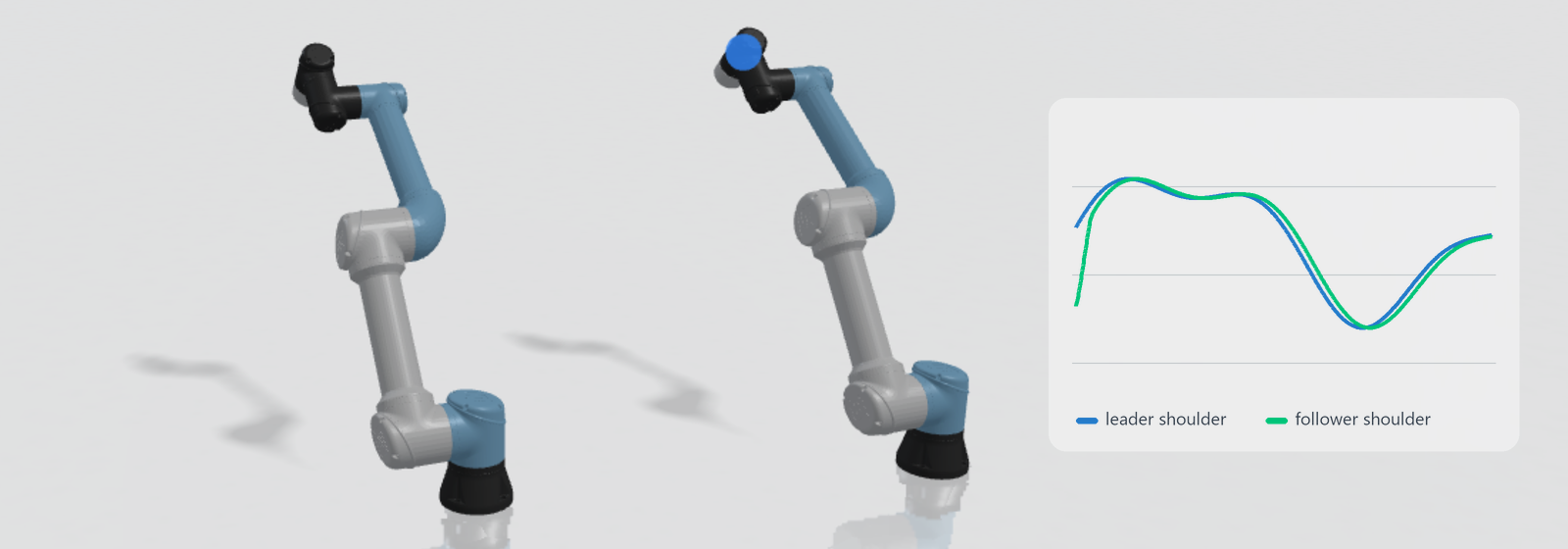
In leader-follower teleoperation a person moves one arm, the leader, and a second arm, the follower, copies the motion. This article goes through how that setup works from nuclear hot cells to low-cost GELLO rigs, and walks through building and checking one in a FloMotion scene.
Forward and inverse robot kinematics
October 29, 2026
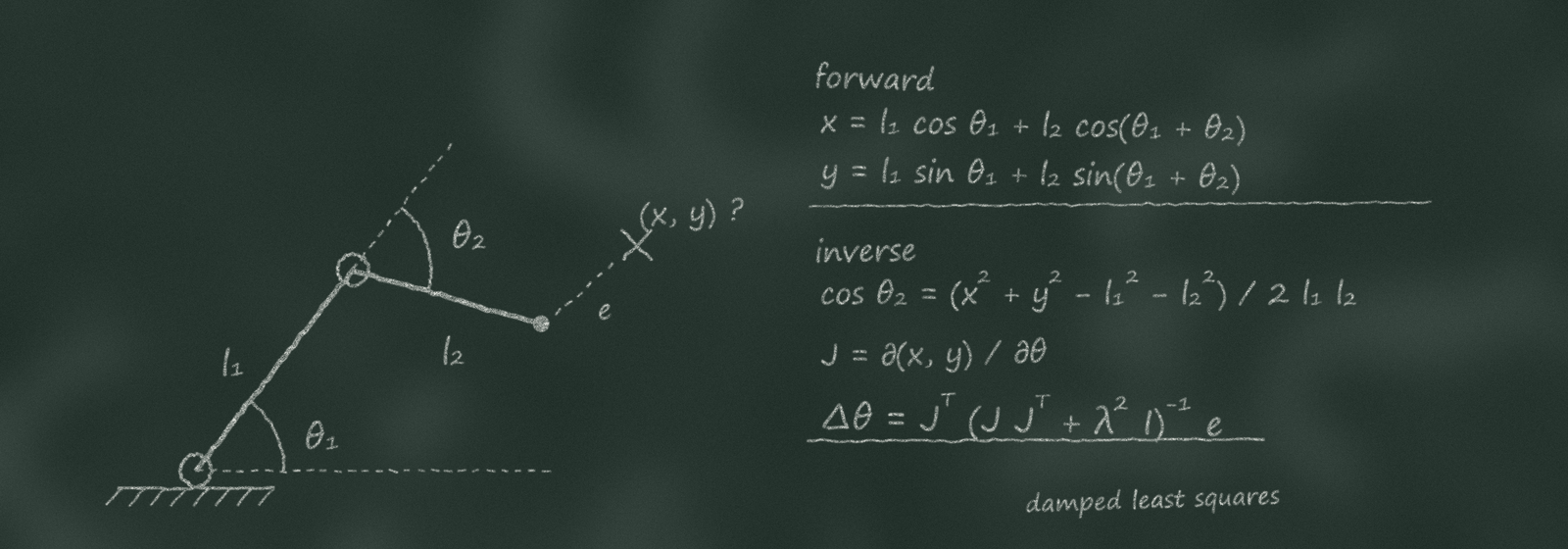
Motors turn in angles, while tasks are stated as positions and orientations in space. Kinematics is the geometry that links the two. This article goes through forward kinematics, the three families of inverse kinematics, and where each one appears in FloMotion.
A trained policy on a microcontroller
October 25, 2026
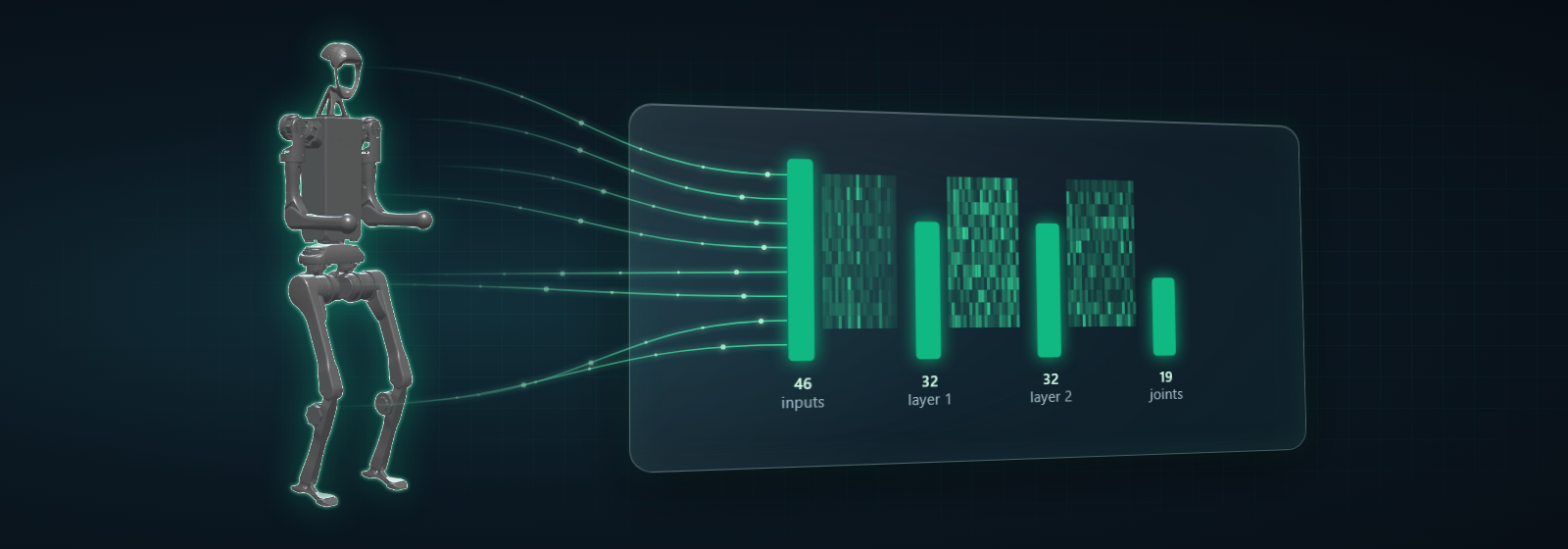
A walking policy trained in simulation usually runs on a computer next to the robot. A small one fits on the microcontroller that drives the servos. This article follows such a policy onto an ESP32: the Arduino sketch, the FloMotion inference library, the model file in flash, and the same firmware running as the robot's controller in a FloMotion scene before any board is flashed.
From prompt to policy
October 20, 2026
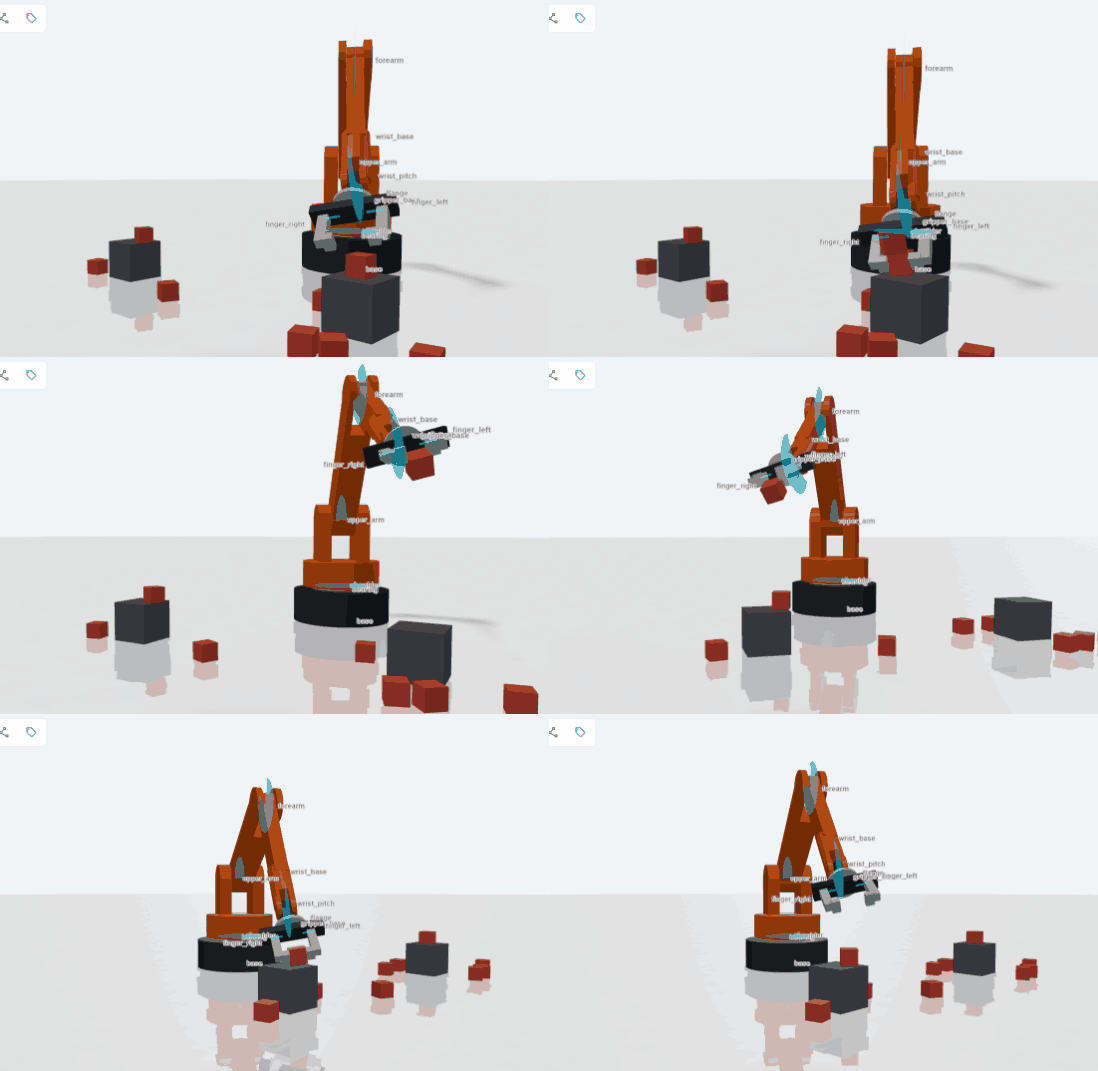
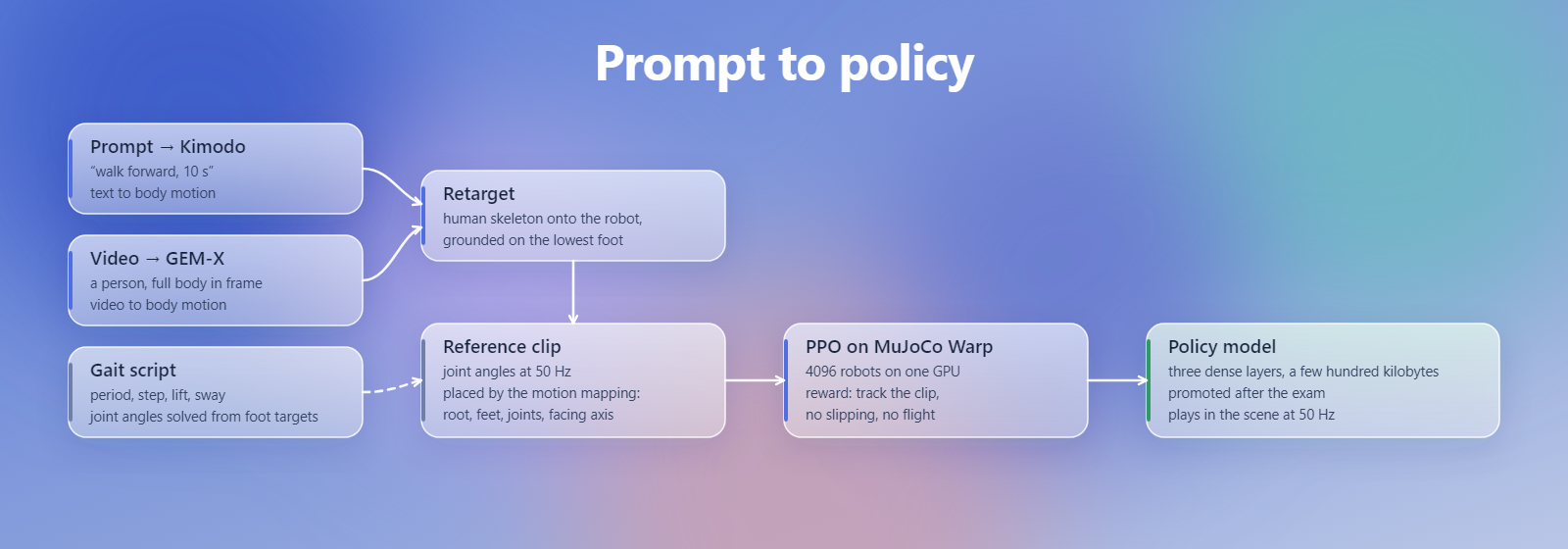
A legged robot in a simulation is driven by a control policy: a small neural network that reads the robot's state and sets its joints fifty times a second. This article follows how such a policy is made in FloMotion: a motion from a prompt, a video or a gait script, retargeted onto the robot, a reward that says what good looks like, and a GPU training run whose best model plays in the scene.
Measuring a simulated circuit: charts, spectrum and sweeps
October 18, 2026
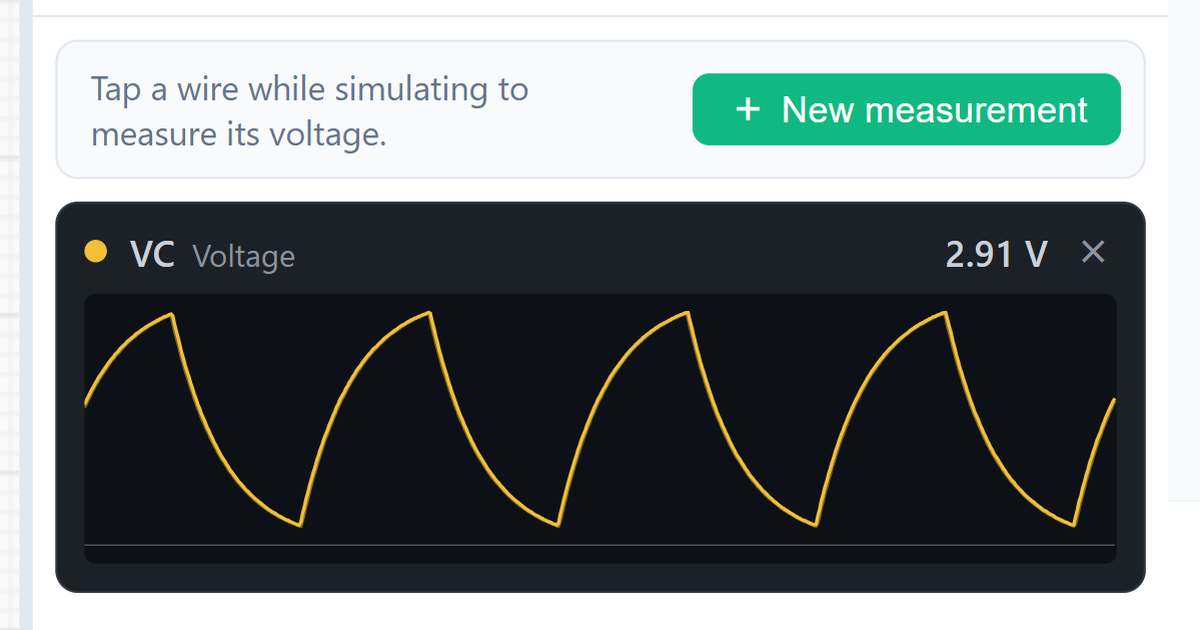
On a workbench a circuit is checked with a multimeter, an oscilloscope and a bench supply. The Measure panel takes the same measurements on a simulated circuit: voltage and current over time, spectrum and pulse analysis, DC sweeps that trace a part's curve, and measurements the agent sets up and reads.
Pins, labels and sockets
October 15, 2026
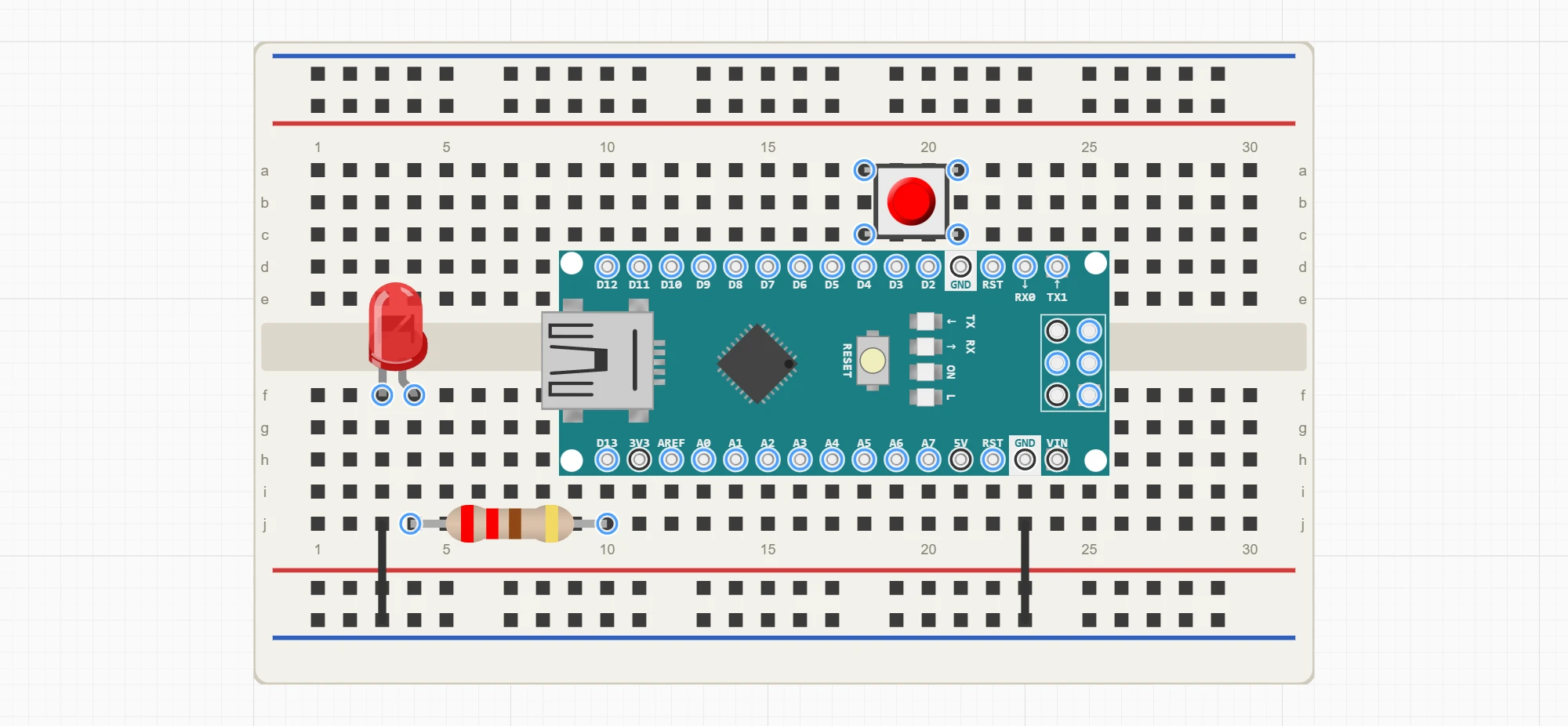
A circuit that still changes is built on a breadboard, where the position of a part is its connection. This article covers how FloMotion models that: breadboards and headers made of sockets, plugging parts in, and nets drawn as jumpers, wires or labels.
Electronics component library
October 13, 2026
The design process starts by placing components from the library on the canvas, either manually or with the agent. The components are then connected with wires, and the circuit can be simulated. Each component is drawn like the real part and has its pins in the right place. This article covers what is in the library, variants and parameters, library updates and how the agent uses it.
Firmware in the circuit simulation: Arduino, ESP32 and Pico
October 13, 2026
Testing firmware written by an AI agent, without the hardware: a codebase in the project, compiled on the server with arduino-cli, running in the circuit simulation on an emulated Arduino Uno, Nano, Mega, ESP32, ESP32-C3, ESP32-S3 or Raspberry Pi Pico. Covers the editor, builds, attaching code to a board in a schematic, the firmware agent, and what the emulators do not cover.

Driving, flying and shooting in a robot simulation
October 1, 2026
How a control scene is driven by hand: an on-screen control pad for touch, mouse and keyboard, what a control script can see of the world, emitters mounted on a robot, magazines written as scripts, and contact events when a dart reaches its target.
MJCF import and the MuJoCo Menagerie library
September 8, 2026
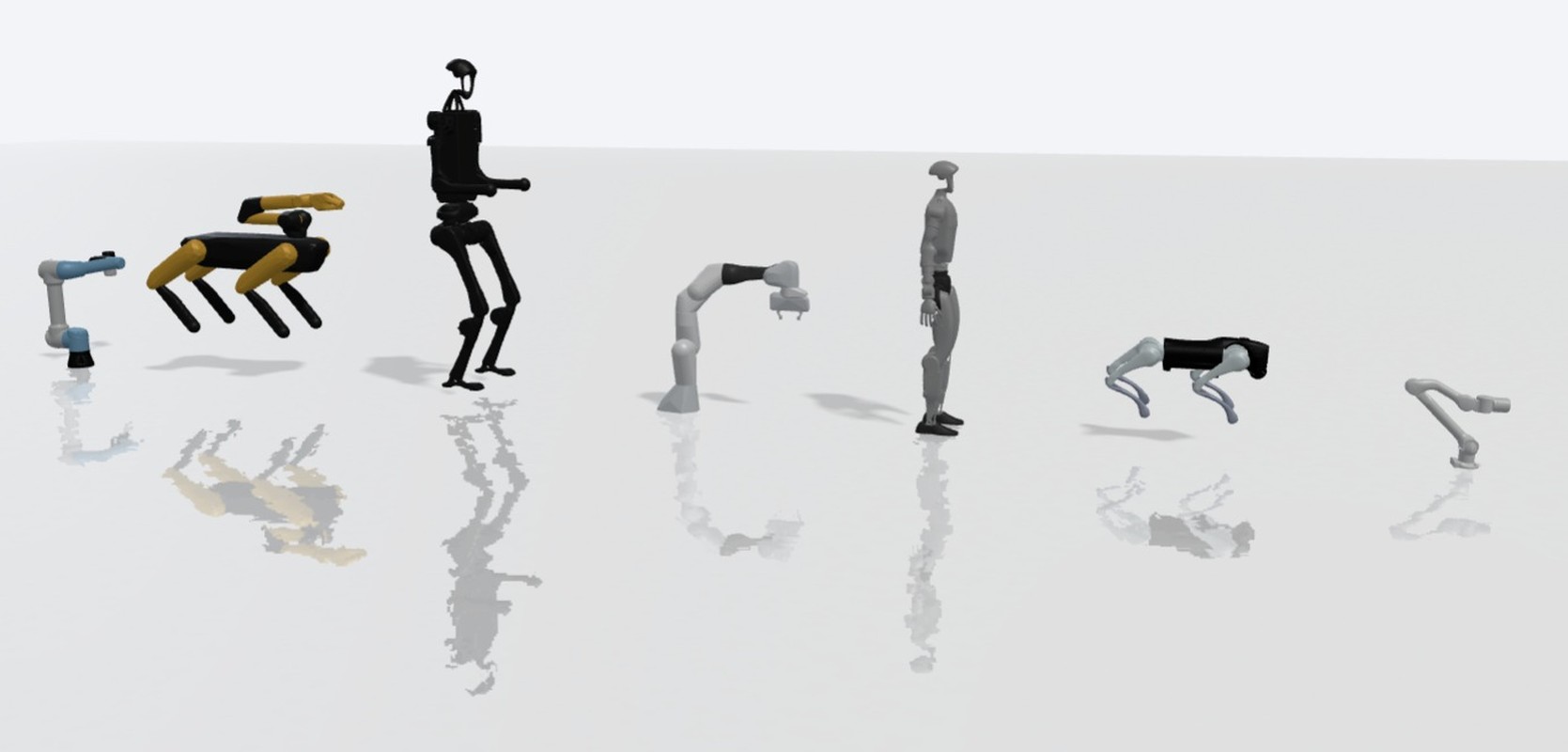
Scenes can start from a ready-made robot instead of a workspace built from scratch: pick one from the MuJoCo Menagerie library, or upload a MuJoCo model archive. Either becomes an ordinary mechanics workspace in the project.
FloMotion with the coding agent of choice
September 5, 2026
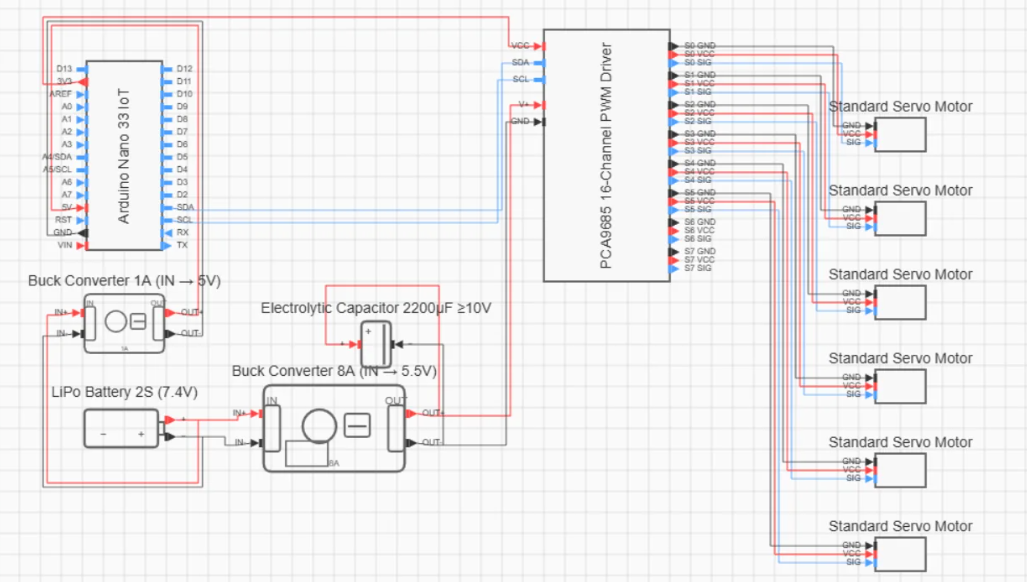
A walkthrough of driving FloMotion from Claude Code, Codex, Gemini CLI or another coding agent through the desktop app: installing it, handing the agent its instructions, building and simulating a servo circuit step by step, exporting the result, and what it costs.
Agent-generated circuit simulation
September 1, 2026
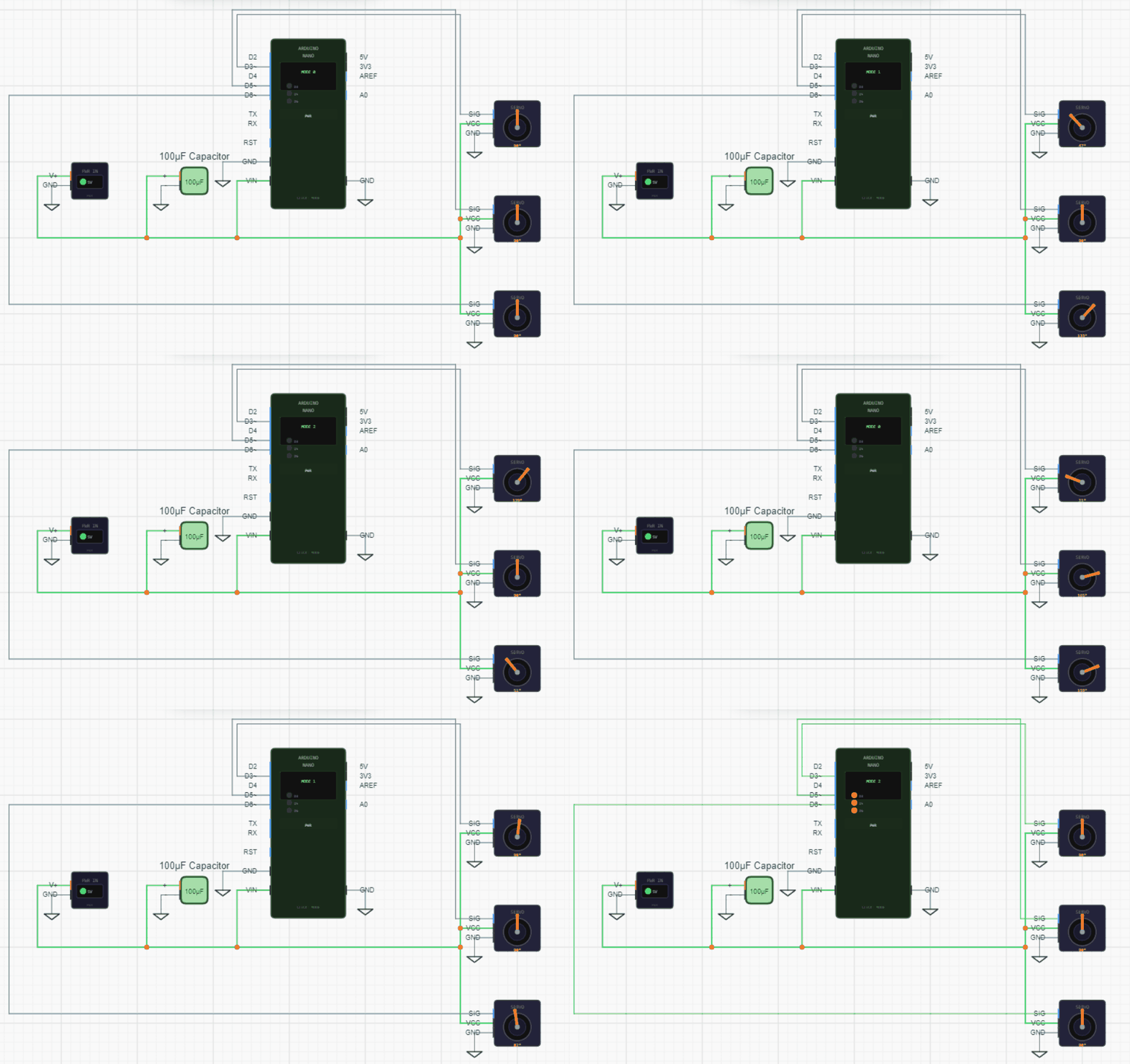
When an AI agent generates a schematic, simulation is how it checks its own work: that parts are connected in the right order, that power and ground reach everything, and that nothing is overloaded. Covers how it works, interactive components, measuring, component burnout, how it differs from SPICE, and why a passing simulation is a reason to build and test rather than proof of correctness.
Import STEP files
August 9, 2026
A walkthrough of bringing an external STEP file into a mechanics workspace, splitting a multi-body file into separate parts, and having an AI agent reverse-engineer a part into an editable script. Covers what is editable and what stays fixed.
Agentic CAM: AI-generated G-code for CNC manufacturing
May 31, 2026
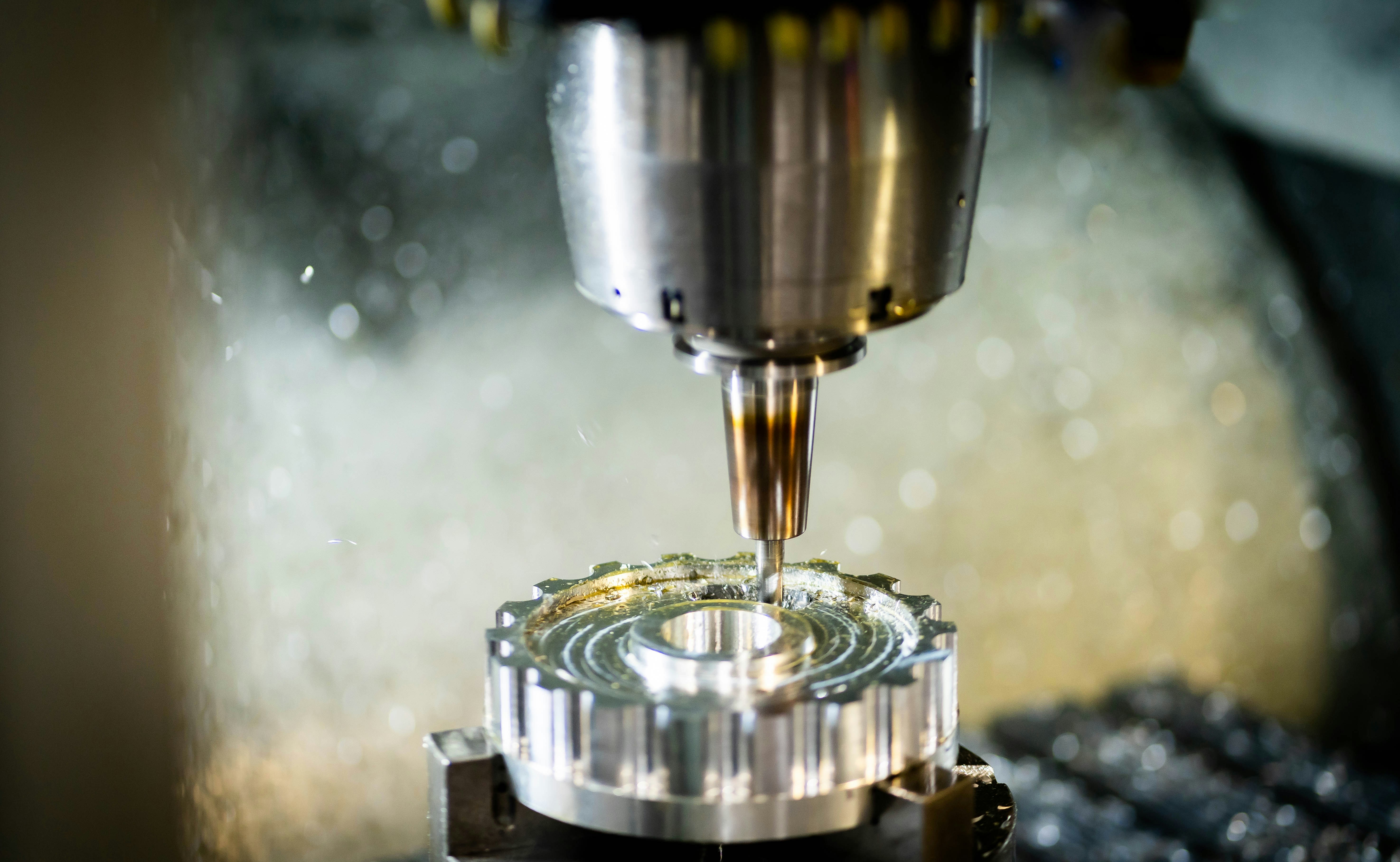
A walkthrough of designing a part with an AI agent, generating CAM toolpaths, and exporting G-code for a CNC mill. Covers the difference from the 3D-print workflow, what to specify in the prompt, and what to verify.
AI agent generated 3D print
May 20, 2026
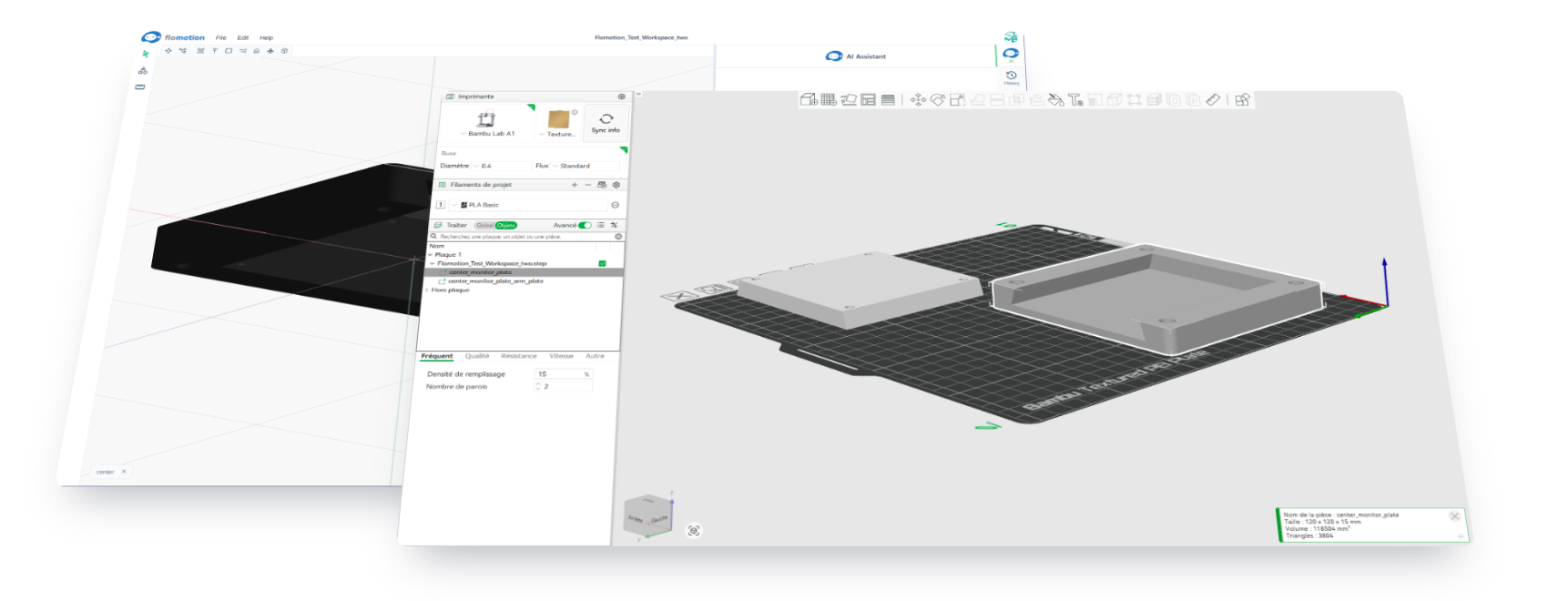
A walkthrough of generating a part with an AI agent, exporting to STEP or STL, and printing it. Covers the export options and what to mention in the prompt.
AI-generated schematics for KiCad
May 20, 2026
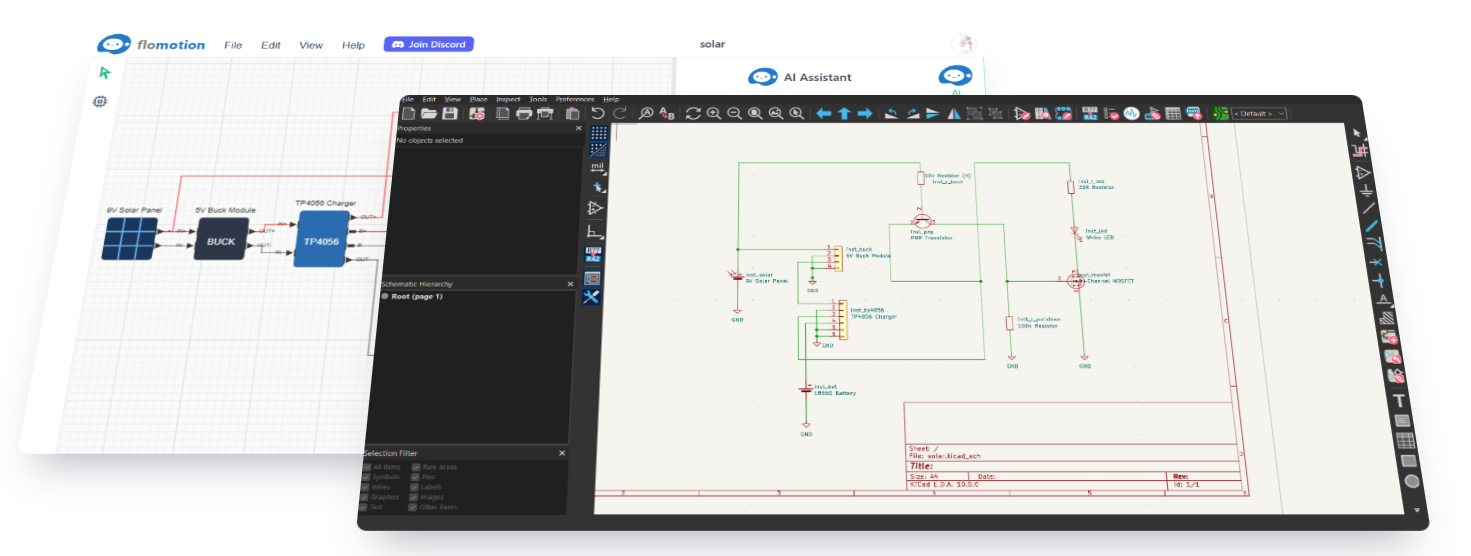
A walkthrough of describing a circuit to an AI agent, exporting the schematic to KiCad, and picking up the design for PCB layout. Covers what carries across and what doesn't.
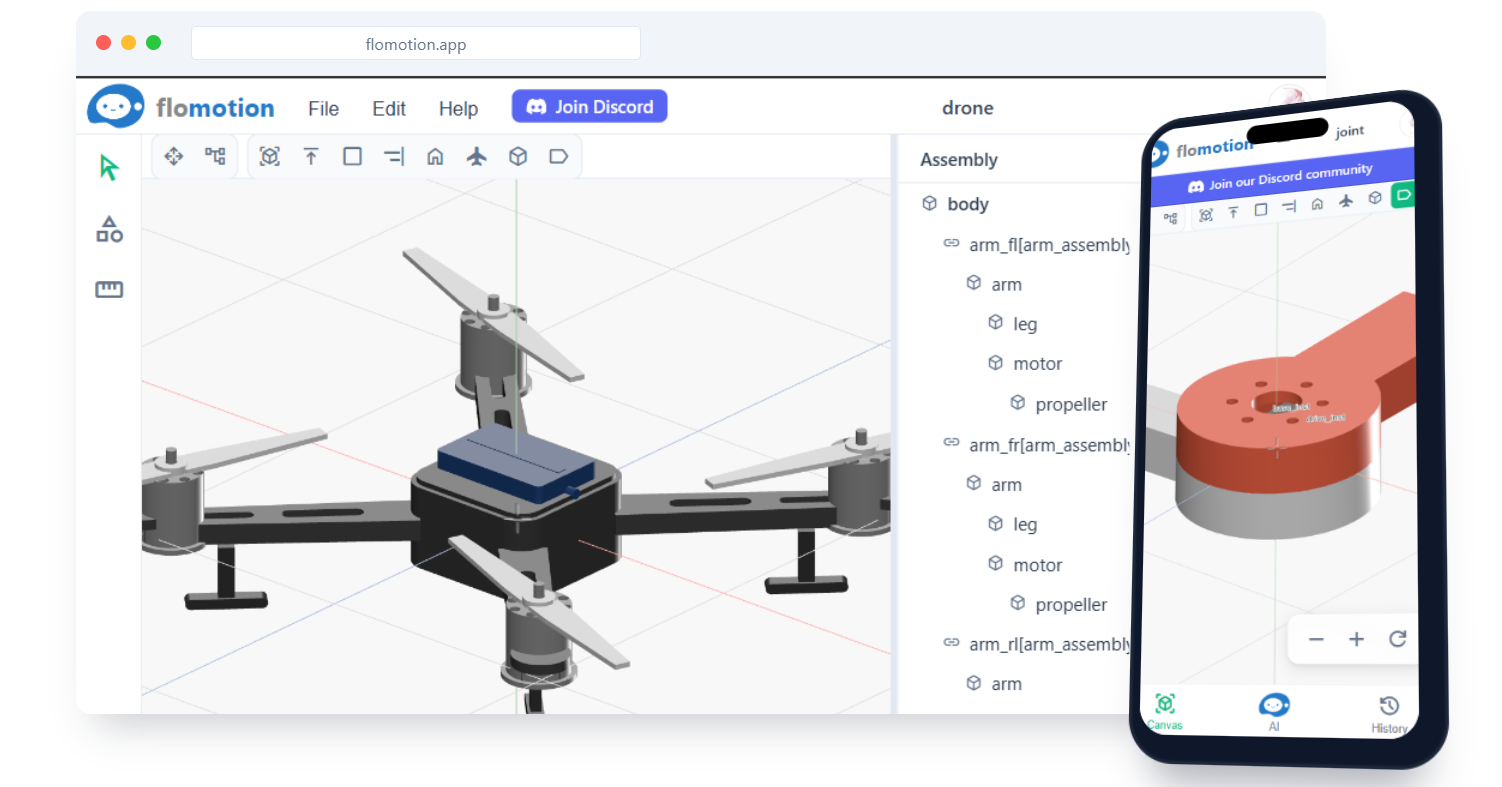
Online CAD editor with AI: agentic 3D part generation
May 12, 2026
Generate 3D parts in your browser. Describe a part, an AI agent builds the model and edits it on request. Mobile-friendly, no install.
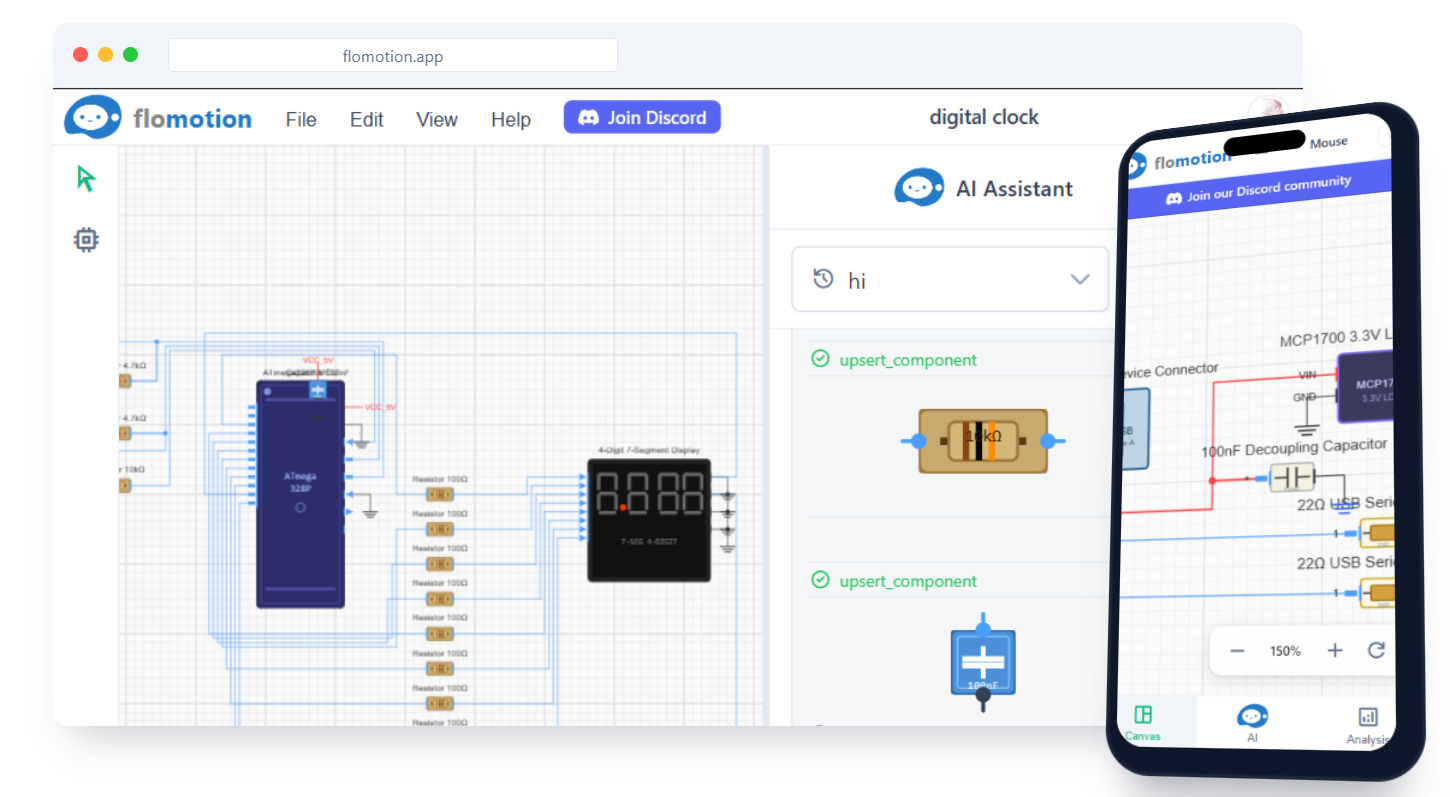
Online electronics editor with AI: agentic schematic generation
May 12, 2026
Generate electronic circuits in your browser. Describe a circuit, an AI agent places components, draws nets, routes wires. Mobile-friendly, no install.