Test Bench
Stress and flow tests for parts and assemblies, set up and read by an AI agent. Will the bracket hold, how much lift the wing makes, how hard the propeller pulls.
BetaTest bench is in beta. Runs are billed by the minute of server time.
A test bench tests an assembly from the same project before it is printed or machined. Each experiment is a stress test or a flow test of one part, a subassembly or the whole assembly, solved on the server with open-source solvers and shown in 3D in the browser. The AI agent turns a question about a part into a test, runs it and reads the result back.
Stress Test
Will it hold?
A part is held by the faces it is mounted on and loaded on others, with forces in newtons or a pressure. The server meshes it into second-order tetrahedra and solves it with CalculiX. The result colours the part by stress and gives the safety factor against its material, the peak stress and where it sits, and the largest movement.
Read more →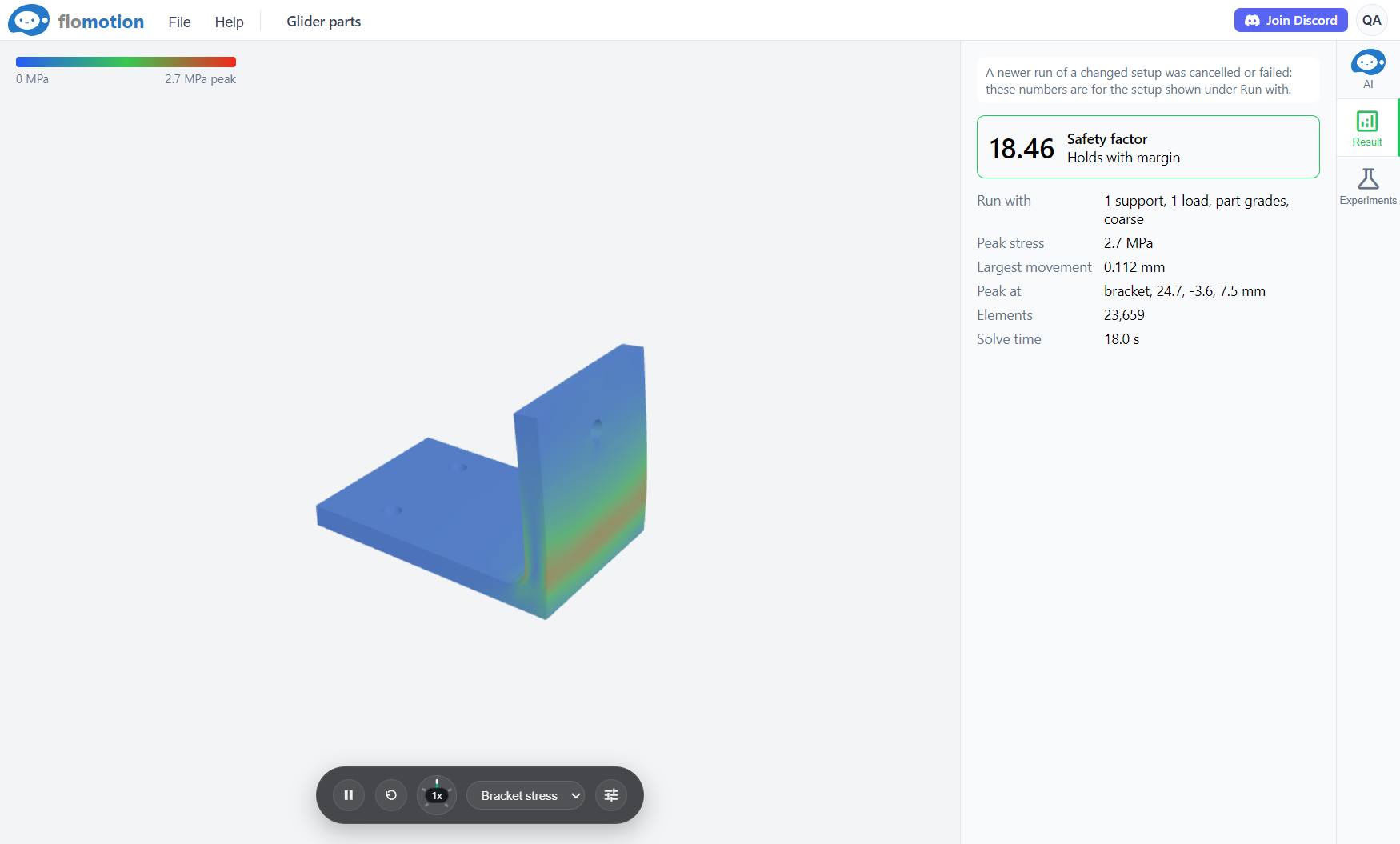
Deformation
See how it bends.
Real movements under a working load are often a fraction of a millimetre. The deformation view exaggerates the bend up to fifty times and swings the part between its rest shape and its loaded shape, so a weak rib or a flexing arm stands out.
Flow Test
A wind tunnel for a part.
A wing, fin, fuselage or hull sits in a virtual wind tunnel or water channel. OpenFOAM solves the steady flow around it and the result gives lift, drag and their coefficients. Streaks, surface pressure and cut planes through the flow show where the air speeds up, slows down and separates.
Read more →
Propellers
Thrust, torque and efficiency.
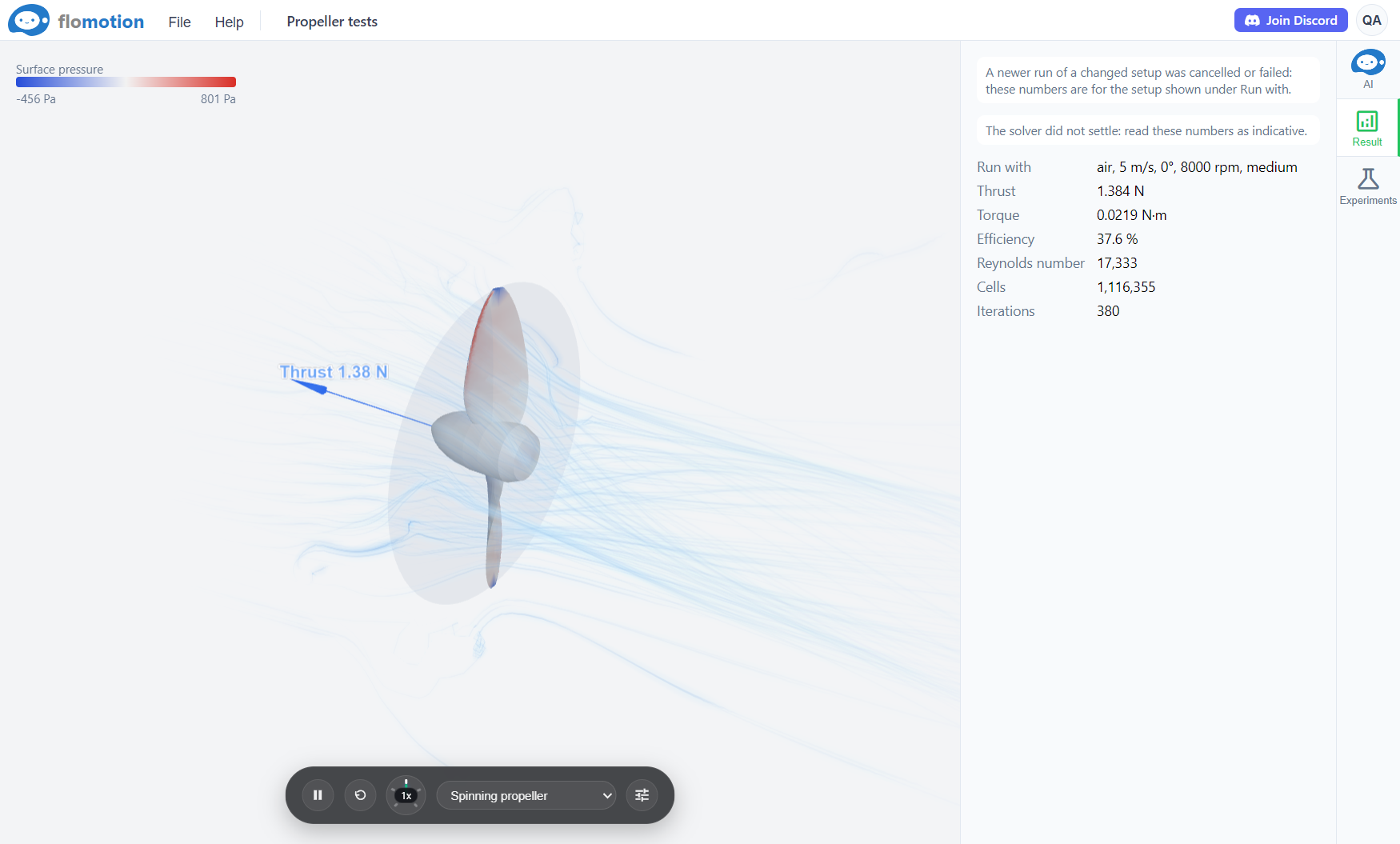
A spinning part turns in a rotating zone of the flow, which gives the thrust of a propeller, the torque it takes to turn it, and its efficiency. Commercial propellers built from the UIUC Propeller Data Site can be compared with their wind tunnel measurements at the same speed.
Agentic Testing
A question becomes a test.
The agent reads the part, sets the supports, loads or flow, runs a quick test first and says the time and cost before an accurate one. It reads the result back, names where a part is weak, and can suggest a change in CAD and test it again. It can pick a wrong face or an unrealistic load, so the setup it shows is worth a check.
See demos →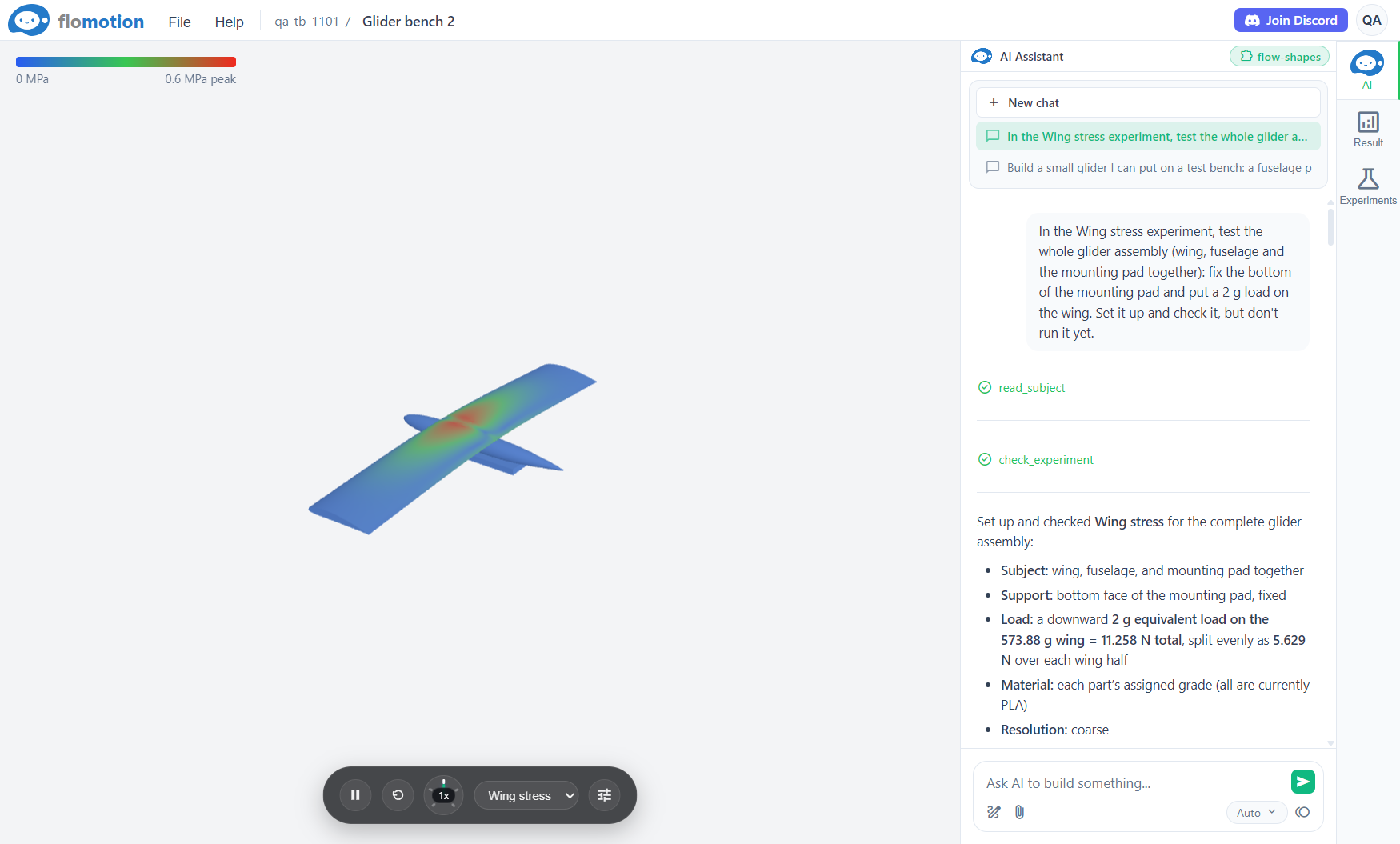
Test it before it is printed.
A test bench needs an assembly to test. Build one in CAD, then add a test bench to the project.
Start with CAD →