User guide / Schematic (electronics) /
Export (PNG and KiCad)
File → Export has two exports.
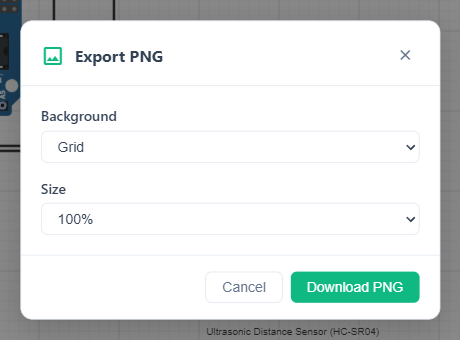
Export PNG…
An image of the schematic for documentation. Pick the Background and the Size, then Download PNG.
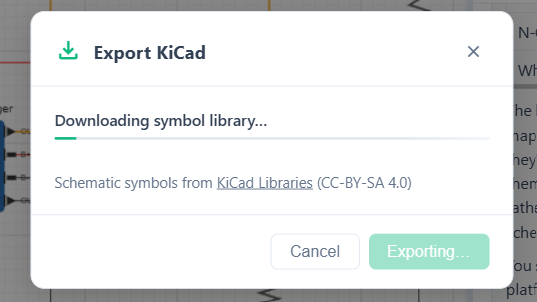
Export KiCad…
Downloads the schematic as a .kicad_sch file with symbols from the KiCad Libraries. Click Download .kicad_sch; a progress bar shows while it is prepared.
Open the file in KiCad to continue there: FloMotion has no PCB layout editor, so a PCB is laid out in KiCad from this export.
The article on KiCad schematics walks through the full handoff.