Robot wall
The robot wall (Explore robots, below the intro on the home page /) shows published robots: projects other people built, filmed and had reviewed. Feed in the avatar menu shows robots from profiles you follow.
Find a robot with Search robots, narrow the list with the filter chips (actuator, base, control, drive, lang, level, material, part, type, license) and change the order with Sort. Rows such as Most popular scroll sideways; See all opens the full list. Each card shows the robot's photo, its author, a short summary, its stars, forks and views, and its tags.
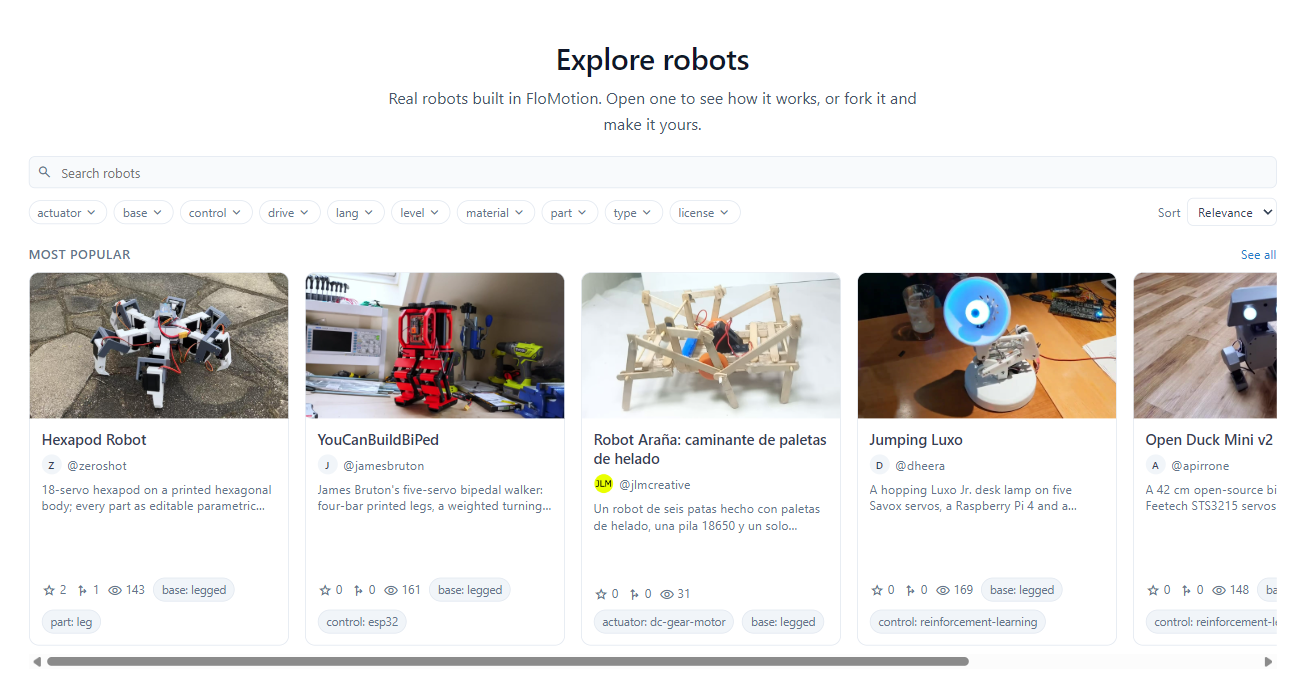
- Open a robot to watch its video and see its items.
- Star it to keep it in My stars.
- Fork it: give the copy a project name, and it becomes a project of yours with the assembly, scenes and scripts copied, ready to change.
To list your own project, see Sharing and forking.