User guide / Schematic (electronics) /
Parts and components
The Component tool opens the Components panel with two tabs.
Library
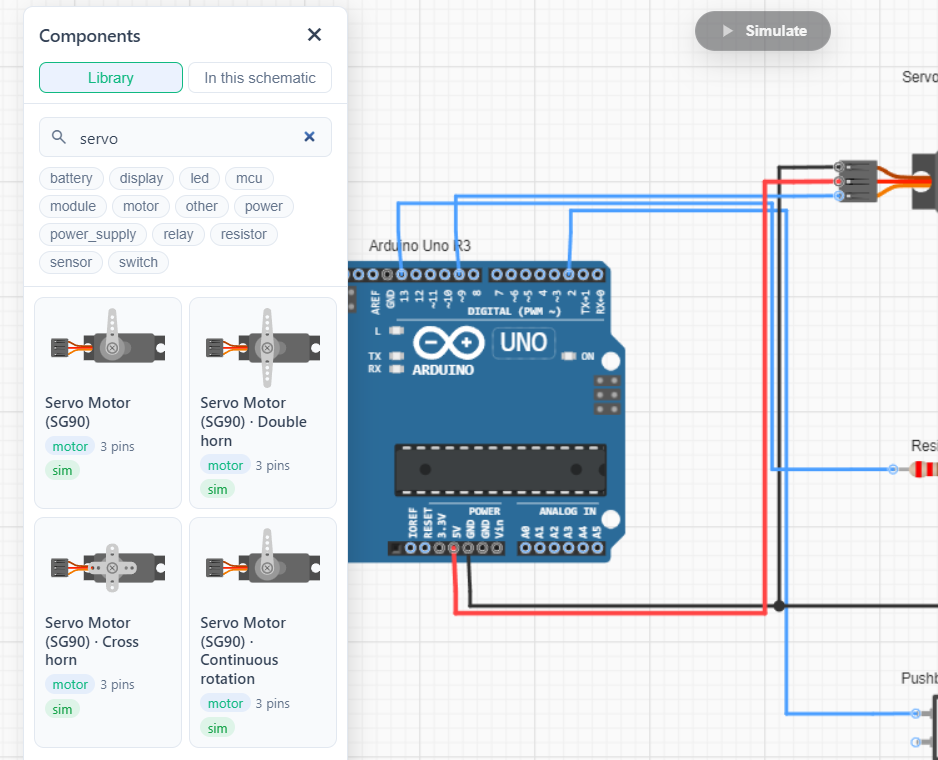
Search the parts library and drag a part onto the canvas. Badges on each entry: sim marks parts that run in the simulation, code marks boards that run Arduino code from a firmware item.
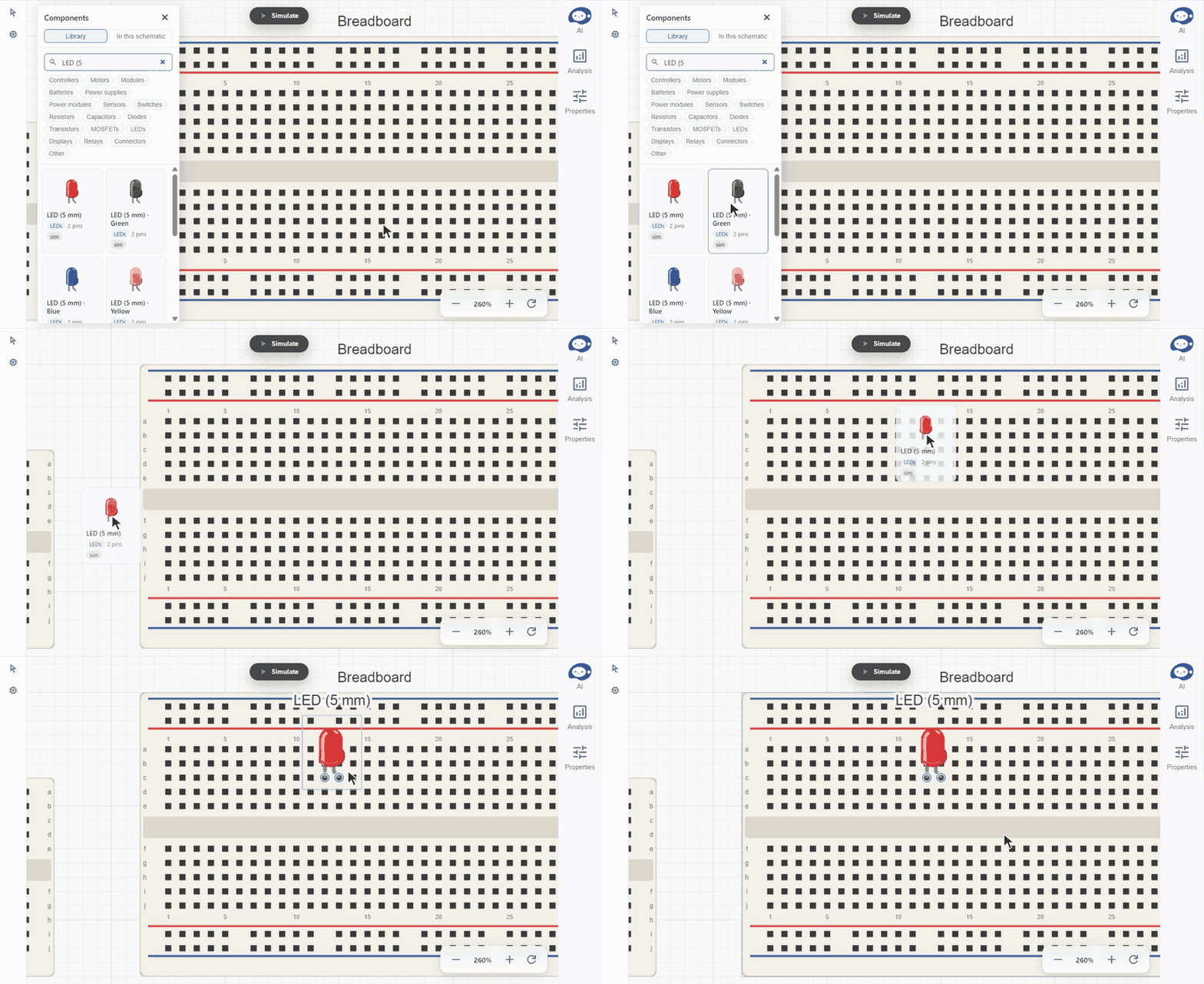
Breadboards come in mini, half and full sizes. A part dropped onto a breadboard snaps its legs into the holes and joins the strips they sit in.
In this schematic
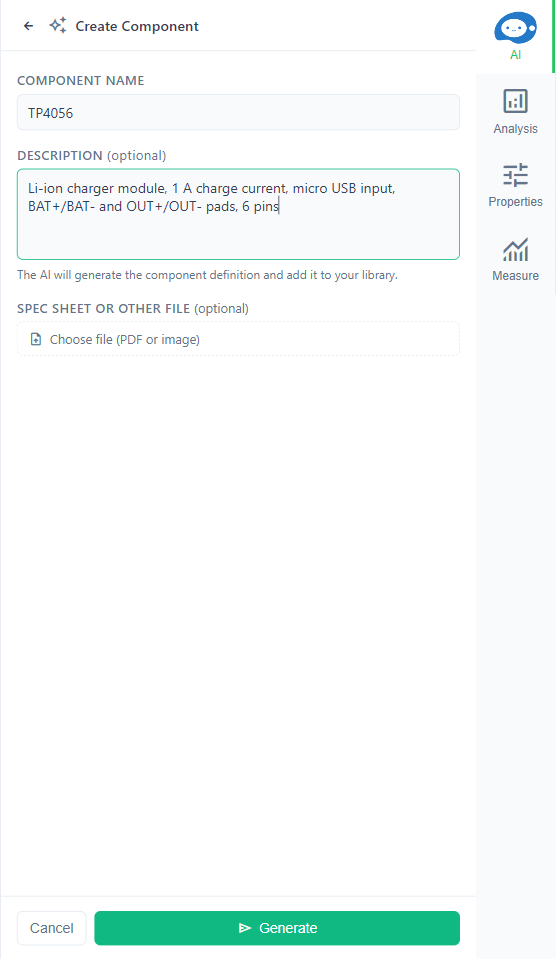
Lists the components already used in this schematic, with search. Create component authors a part the library does not have: give it a Component name (for example a chip's part number), a Description (package, pin count, key specs) and optionally a datasheet PDF or image, then Generate. The agent builds the component from it.