User guide / Schematic (electronics) /
Measure
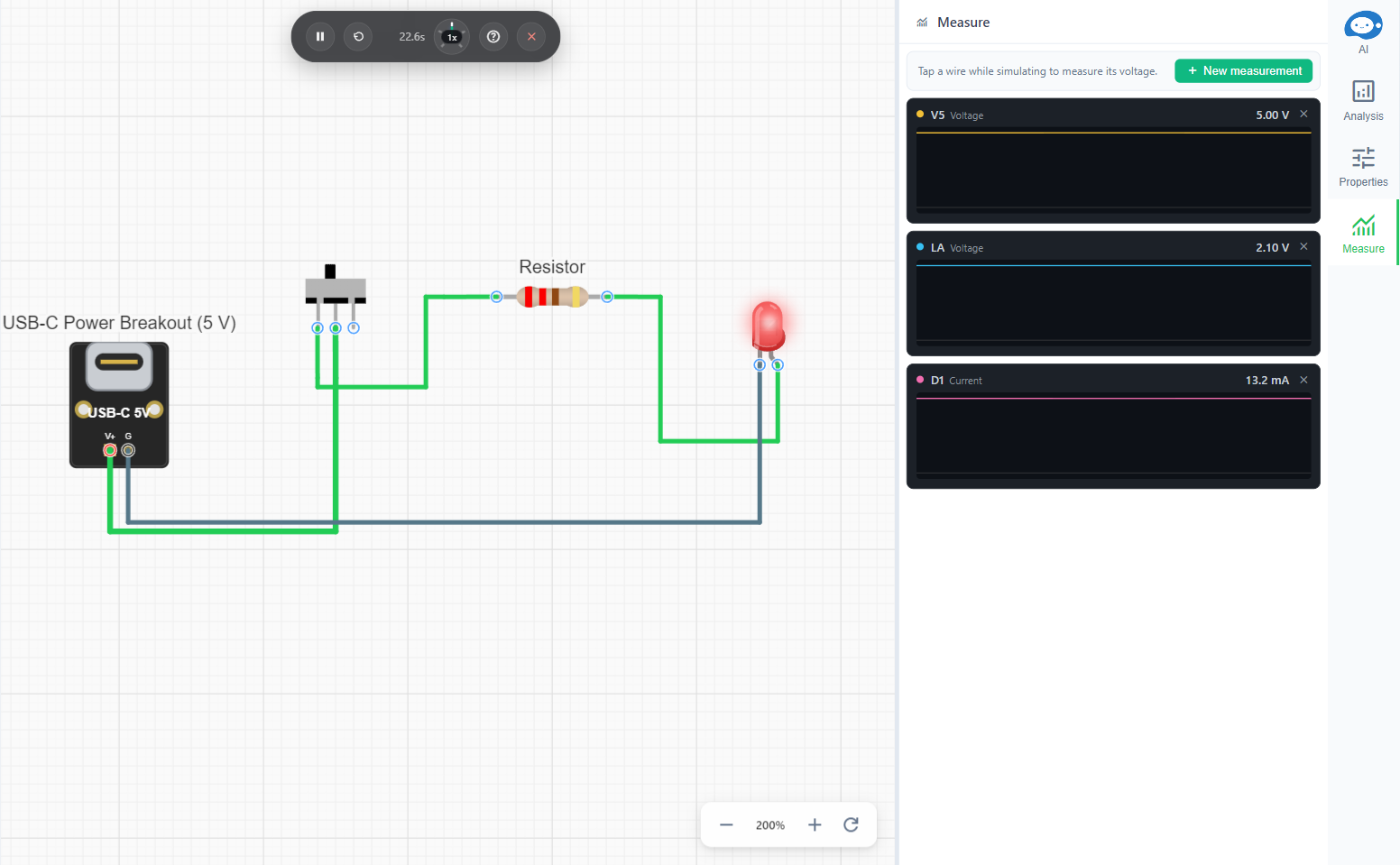
The Measure tab holds the charts of a schematic. They are saved with it, each with an id such as M1.
New measurement offers:
- Over time: Voltage of a net, Voltage between two nets, Current through a component.
- Signal analysis: Spectrum (frequency content of a net) and Pulse (one pulse cycle with its width and period).
- Sweep: Voltage vs current (current through a part as the voltage across it steps up, a V-I curve) and Voltage vs voltage (a net's voltage as an input voltage steps up, a transfer curve). A sweep stops at its current limit, or when a part burns out.
Pick each input from the list or on the canvas, where the wires highlight as you hover.

The agent can add and read measurements too, and quote the results.