Import and export
Import STEP
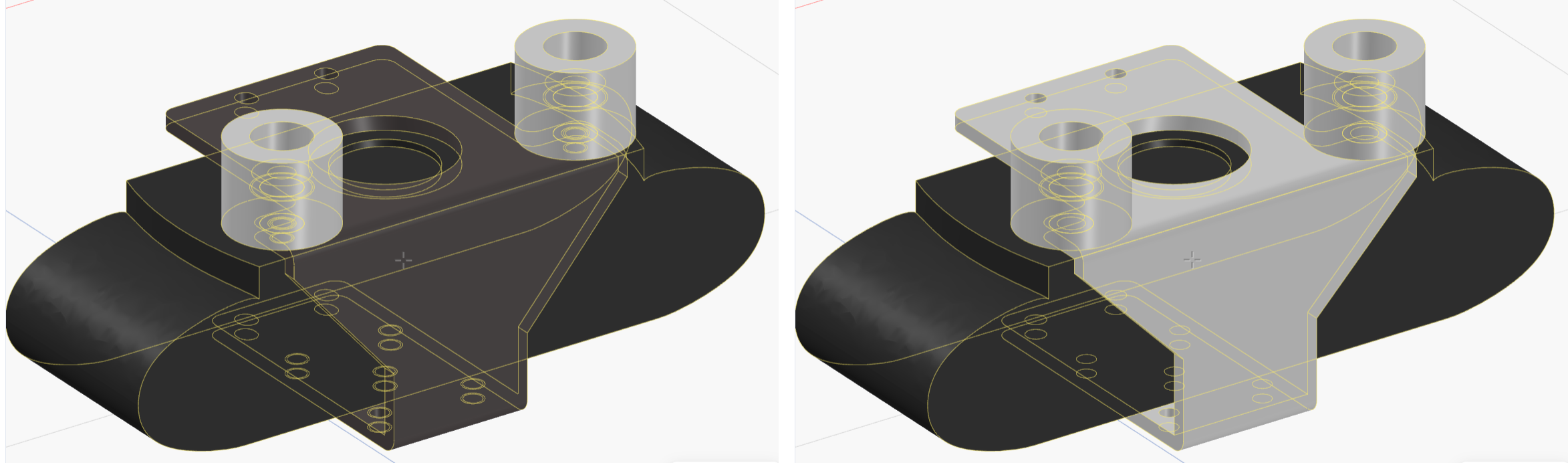
File → Import…, or Import STEP in the Parts panel, brings a .step or .stp file in as a part. A file with several bodies can be split into separate parts, and the agent can rebuild an imported part as an editable script.
Export
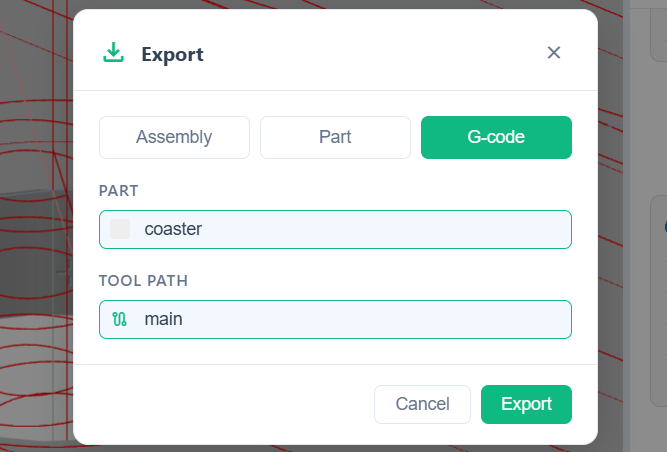
File → Export… opens the export dialog. Pick the Format:
- STEP: the whole Assembly as one hierarchical STEP file, or one Part. For CAD suites and CAM tools.
- STL: one part, for a slicer and 3D printing.
- G-code: one part with a tool path, for a CNC sender. The part needs a CAM program; ask the agent for one first.
For a part export, pick the part (and for G-code the tool path) in the dialog first.
Robots from a library
Ready-made robots come from MuJoCo Menagerie when creating a scene, see Robots in a scene.