Part scripts (expert mode)
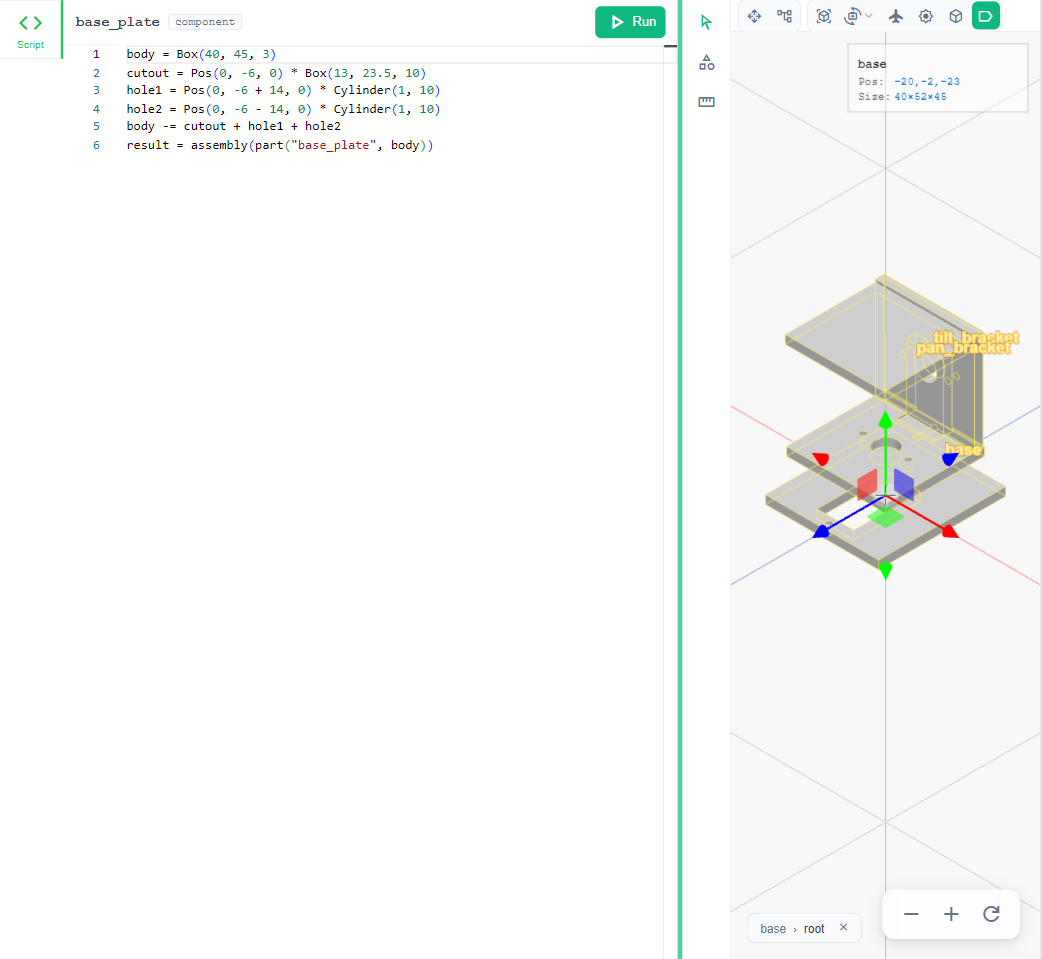
Each part the agent makes is a short Python script using build123d. To see or edit it:
- Edit → Preferences… and turn on Expert mode.
- Click Script on the left, or double-click a part, to open its script in the editor.
- Edit and run it; the part rebuilds. A long build keeps running in the background and says so.
You can also ask the agent about a script from the chat while it is open.