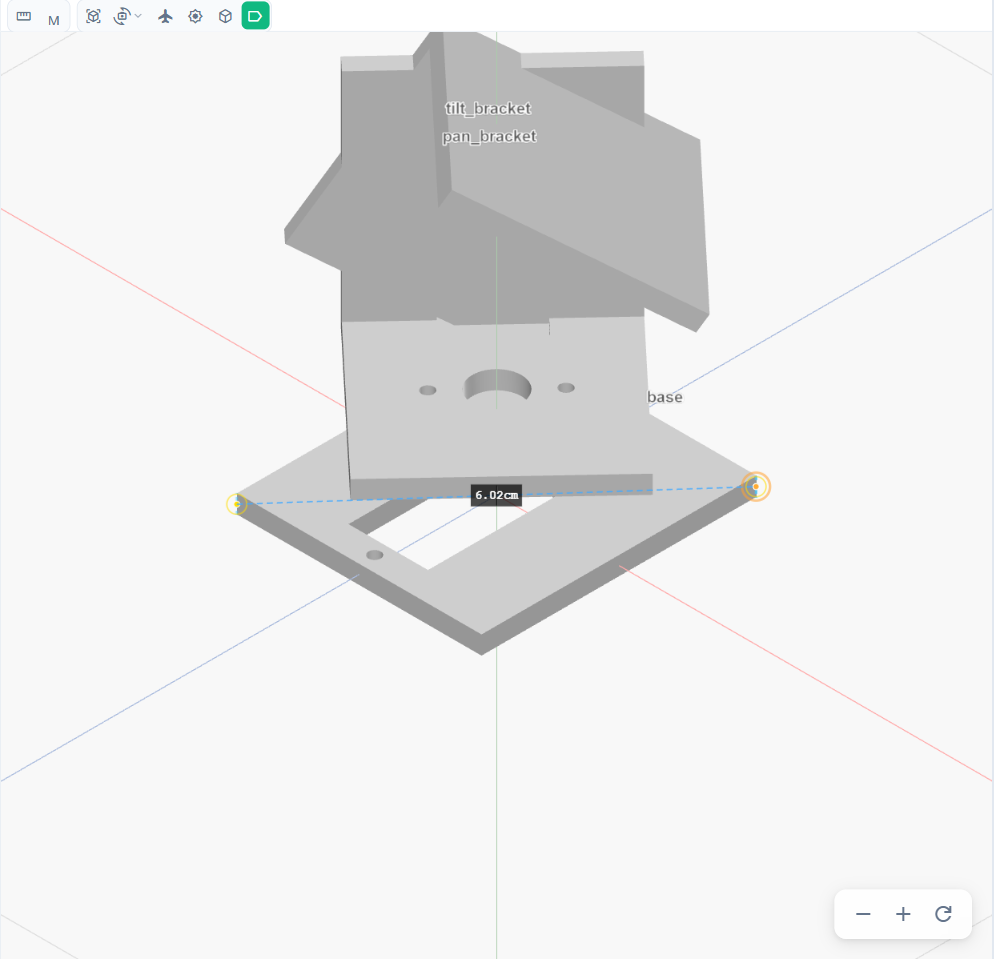
View and measure
View toolbar
The toolbar above the canvas:
- Perspective / Ortho switches the projection.
- Views: Front (1), Side (2), Top (3) and Reset View (4); the numbers are keyboard shortcuts.
- Fly Mode (F) moves the camera like a game; a banner shows while it is on.
- Explode View pulls the parts apart to see how they fit.
- Collision Shapes shows the simplified shapes the physics uses.
- Labels names the parts on the canvas.
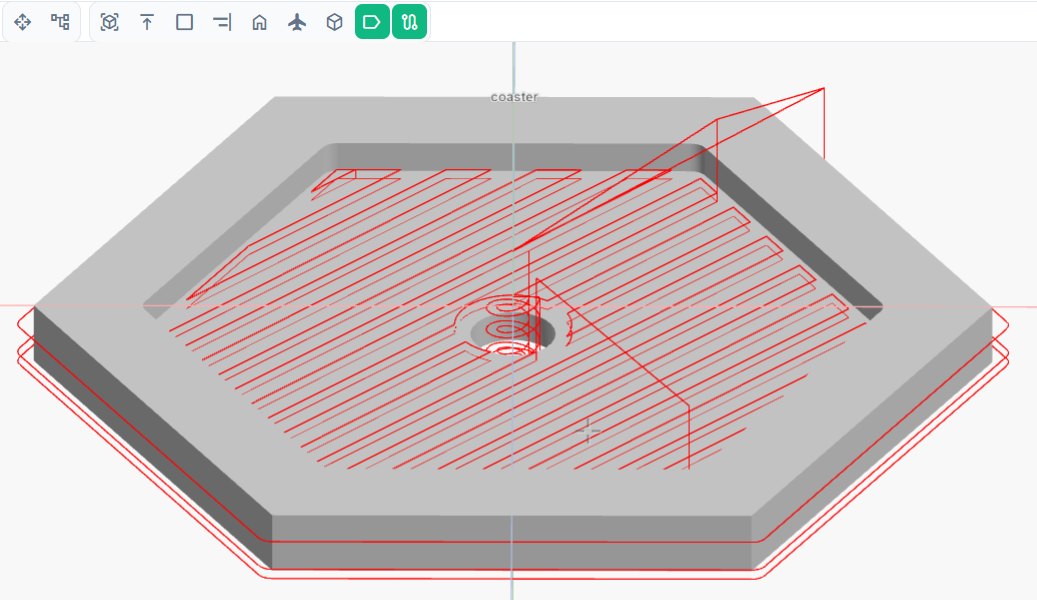
- Tool paths shows the cutting paths of parts that have a CAM program.
The zoom buttons sit in the corner of the canvas.
Measure
The Measure tool measures between points you click on the model. Its options in the toolbar switch between Distance and Angle, and between metric and imperial units.