History and restore
Every change the agent makes to a workspace saves a checkpoint. The History tab on the right lists them, newest first, each with a label of what changed and when. Edit → View agent edit history opens the same tab.
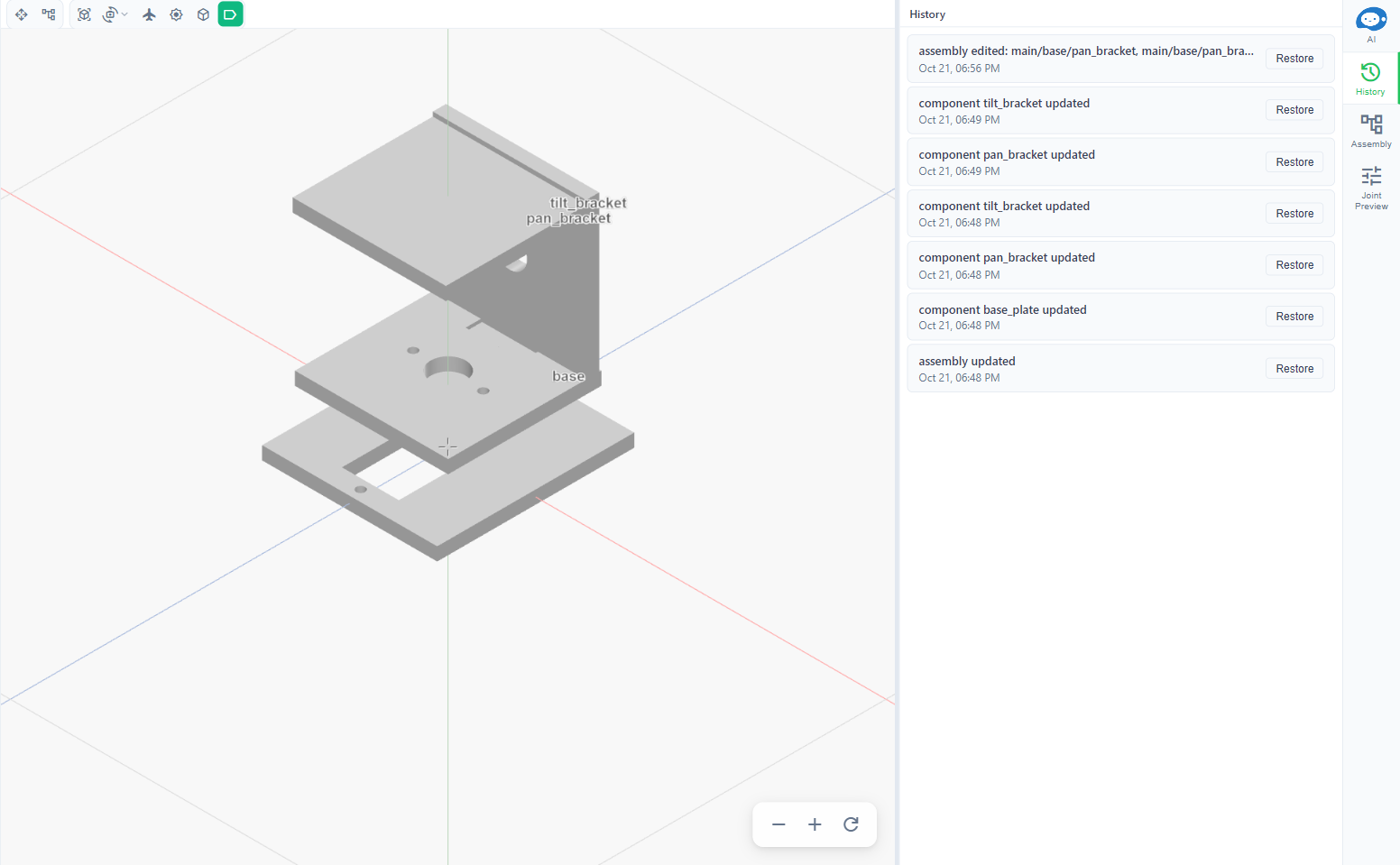
To undo an agent change, find the last checkpoint before it and click Restore. The workspace rebuilds to that state; the button shows Building and progress while it works. The restore is saved as a checkpoint too, so it can itself be undone.
This works for anything the agent did, including a broken or mostly deleted assembly. A request in the chat such as "put it back how it was" is best answered here.
For your own edits by hand, use Edit → Undo (Ctrl+Z).