User guide / Scene (physics) /
Robots in a scene
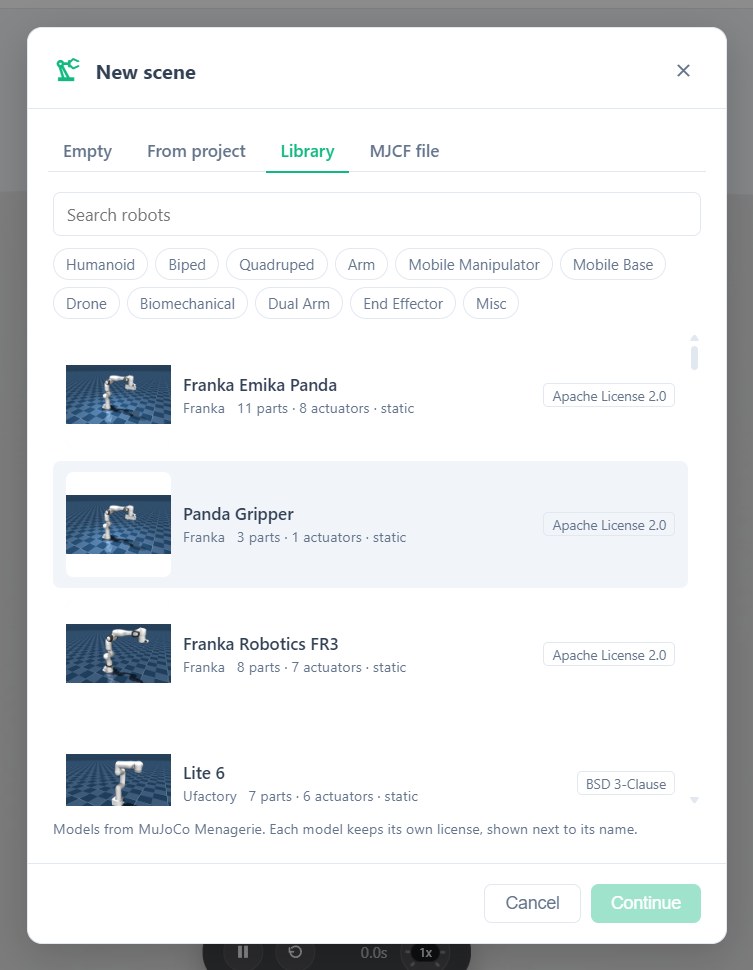
A new scene asks where its robot comes from, and File → Import assembly adds one later:
- From this project…: a workspace of the same project.
- From MuJoCo Menagerie…: ready-made robots (arms, humanoids, quadrupeds, grippers and more). Filter by type, search by name; each entry shows its part and actuator counts and its license.
- From MJCF file…: a MuJoCo model file of your own.
A robot imported this way becomes a workspace of your project, so its parts, joints and physics can be edited. Remove assembly in the view toolbar takes the selected robot out of the scene.
The agent can also build the world around the robot: ground, obstacles, props, and objects spawned from launchers.