User guide / Scene (physics) /
Manual control and the control pad
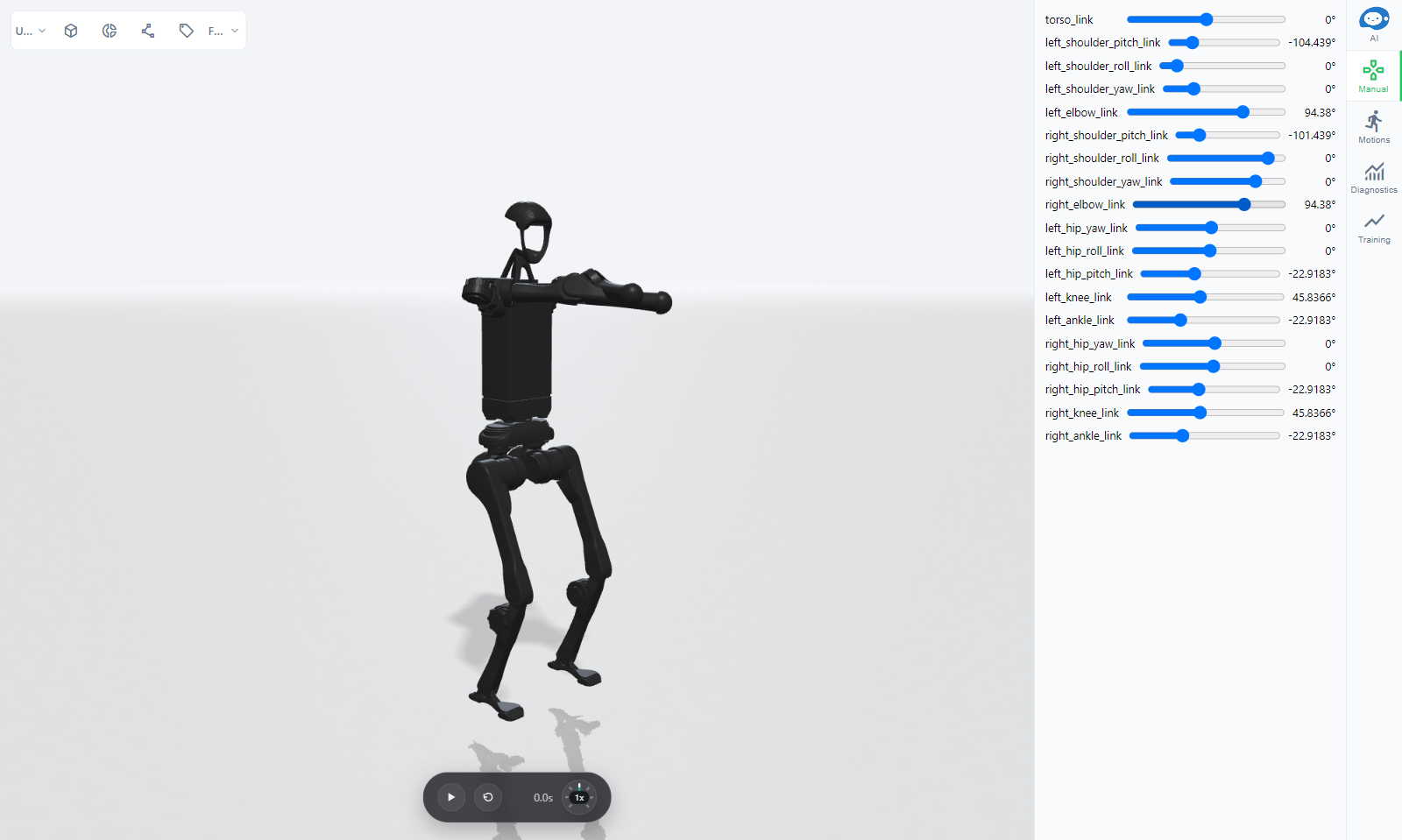
Manual
The Manual tab has a slider for each actuated joint. Pause the simulation to pose the robot with them; while it plays, the sliders show the live joint angles.
Control pad
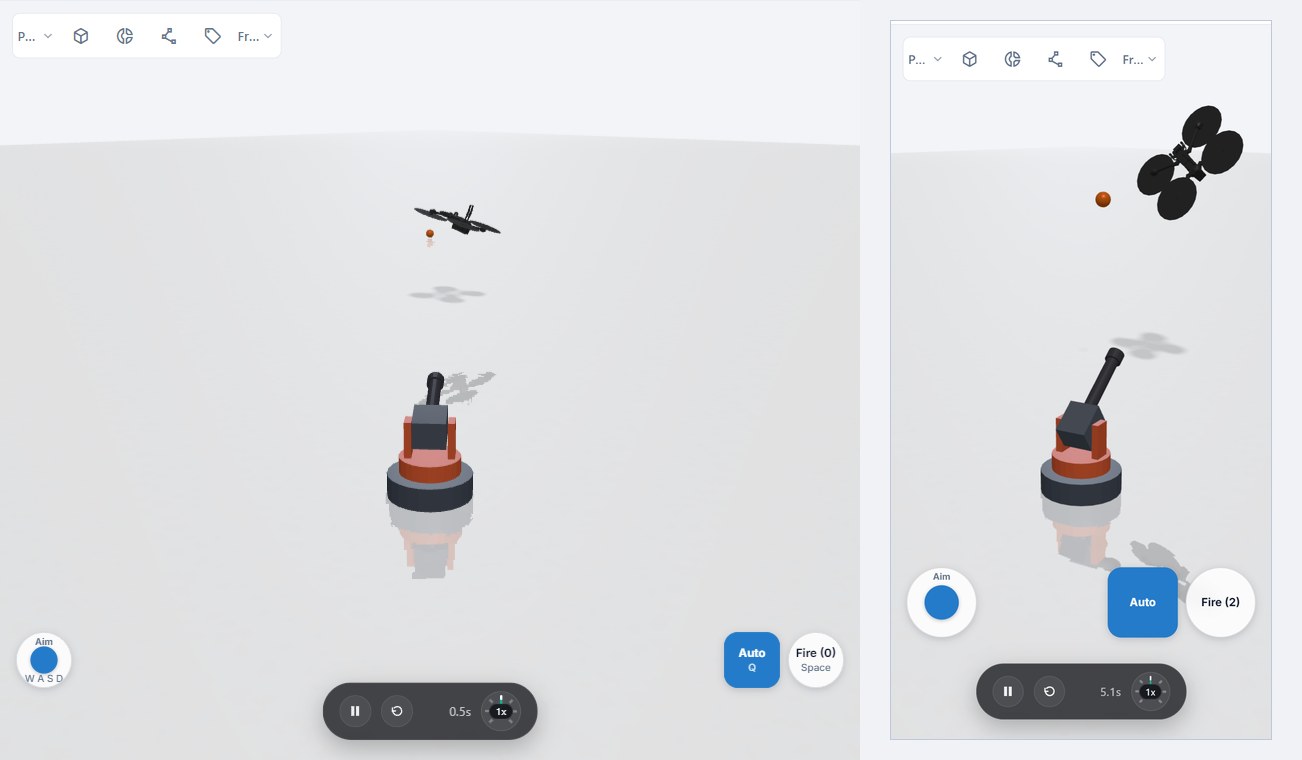
A scene can have an on-screen control pad, set up by the agent when you ask for one ("let me drive it with WASD and a throttle slider"). Its widgets sit in the corners of the view:
- Button: press and release, such as fire or jump.
- Toggle: on or off, such as an autopilot switch.
- Joystick: two axes, springing back to the centre.
- Slider: a value between a minimum and a maximum, such as throttle.
Keyboard keys can be bound to each widget, and pressing one lights the widget. Keys drive the pad only while the simulation plays and the focus is not in a text field, so typing in the chat never moves the robot. On a phone the widgets are larger.