User guide / Scene (physics) /
Motions and training
The Motions tab
- Control scripts: the scene's scripts, each with a button to run it with physics and stop it. The agent writes them from a description of what the robot should do.
- Trainings: each trained motion with its stage, score and last update, and two buttons: play the target motion without physics, and play the trained policy under physics. "Different assembly" means it was trained for another robot than the one in the scene.
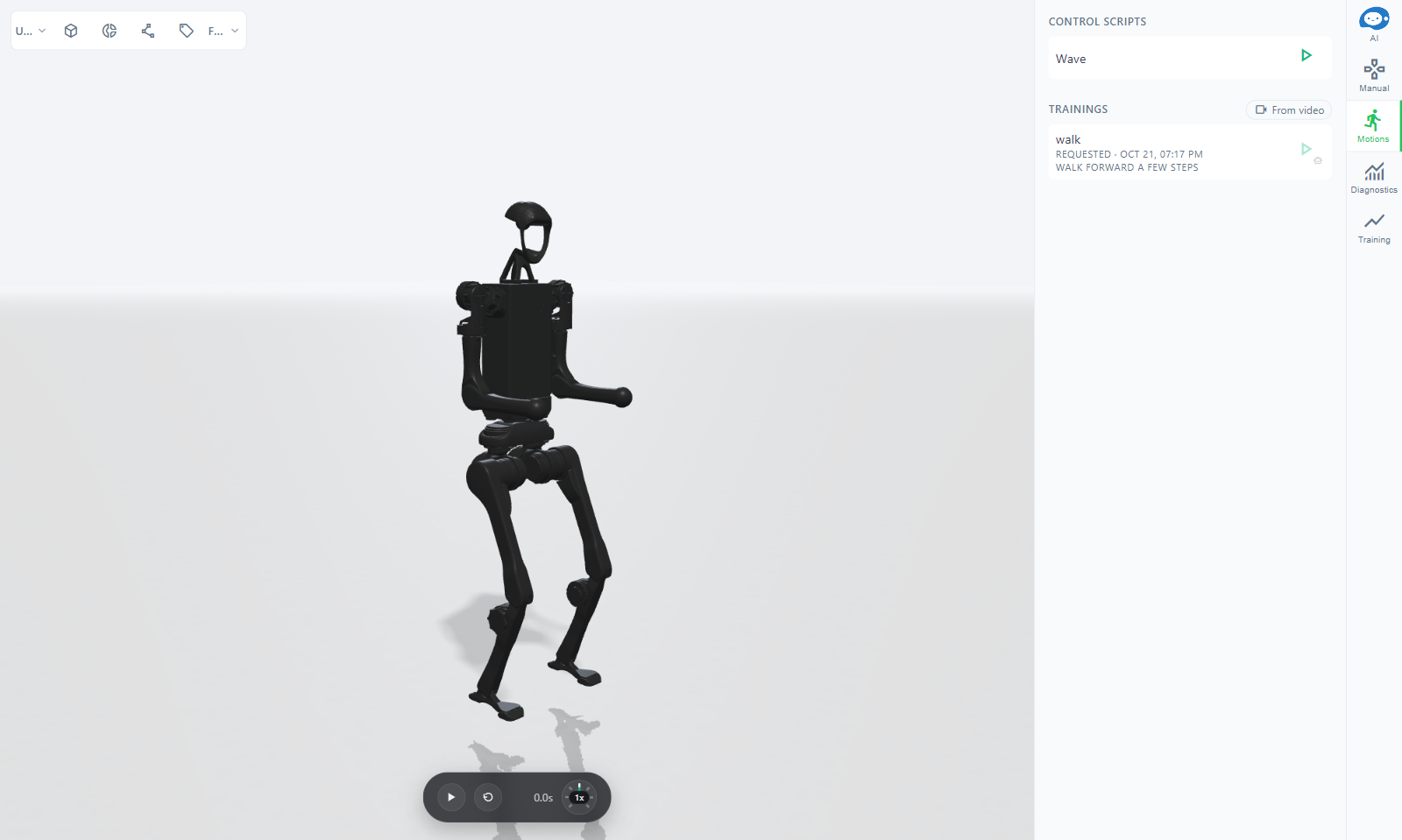
A motion from a prompt or a video
Ask the agent for a motion ("make it run", "a boxing combo"), and it generates a reference motion, maps it onto the robot, and trains a policy that performs it under physics.
To start from a real movement, click From video in the Trainings section and pick the file. Use a video of one person, full body in frame, steady camera, 5 to 20 seconds. The motion is lifted from the video and the training starts from it.
Training runs on a GPU server and takes a while; the agent watches it and tells you when a model is ready.
The Training tab
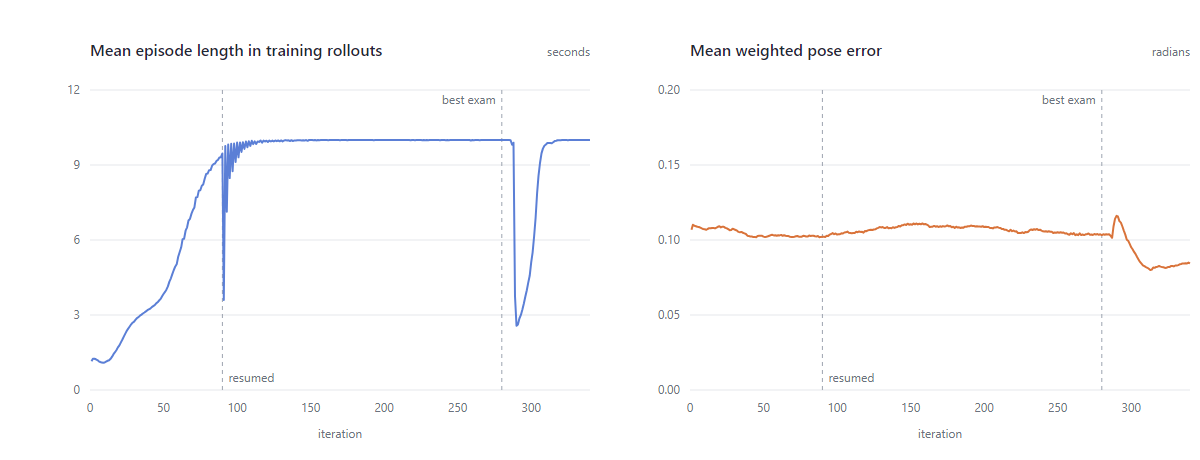
Training curves for the project's trainings: Reward, Pose err, Resets and Episode s, for the latest run or all of them.
The prompt to policy article explains the whole pipeline.