Driving, flying and shooting in a robot simulation
October 1, 2026
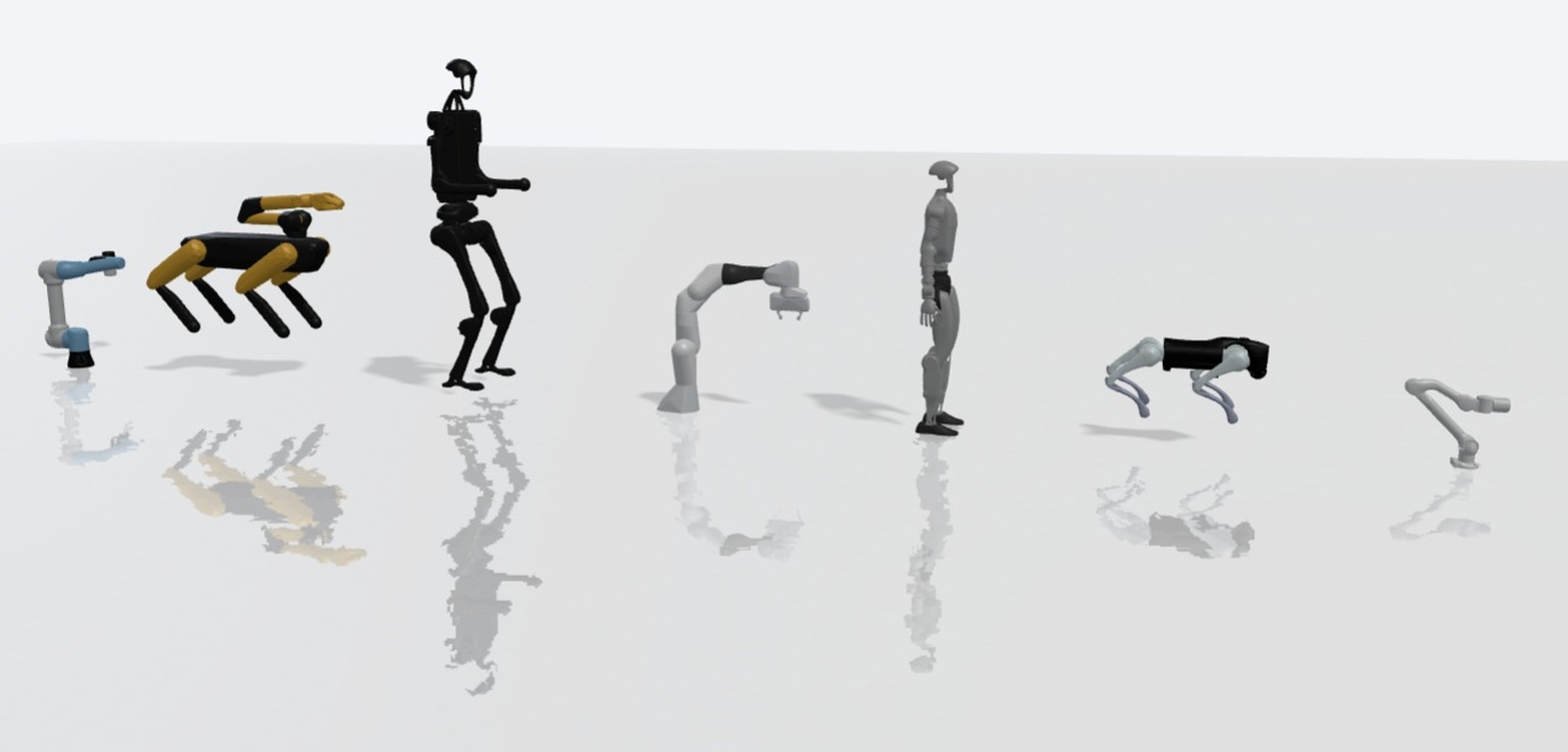
A control scene runs a robot in a physics simulation, driven by short JavaScript control scripts. A scene can also take input from a person, through on-screen controls that work the same on a phone and on a keyboard. Scripts see the velocities and relative positions of everything in the scene, launchers can ride on a robot, and a script is told when a projectile hits something.
This guide describes how these parts work, using four demo scenes that anyone can open: a drone, a turret shooting at a drone, an RC car and a circuit with three servos.
The control pad
A control pad is a small set of on-screen widgets placed over the simulation. There are four kinds:
- Button. Press and release. A fire button, a horn, a jump.
- Toggle. On or off. An autopilot switch.
- Joystick. Two axes from minus one to one, springing back to the centre when released.
- Slider. A value between a minimum and a maximum. Throttle, height, a servo angle.
Each widget sits in a corner of the view, in a small three by three grid, so a layout never depends on the size of the screen. Keys can be bound to any widget: one for a button or toggle, two for a slider, four for a joystick (up, left, down, right). Holding a slider key moves the slider steadily rather than in steps, and a joystick shows its keys around its edge.
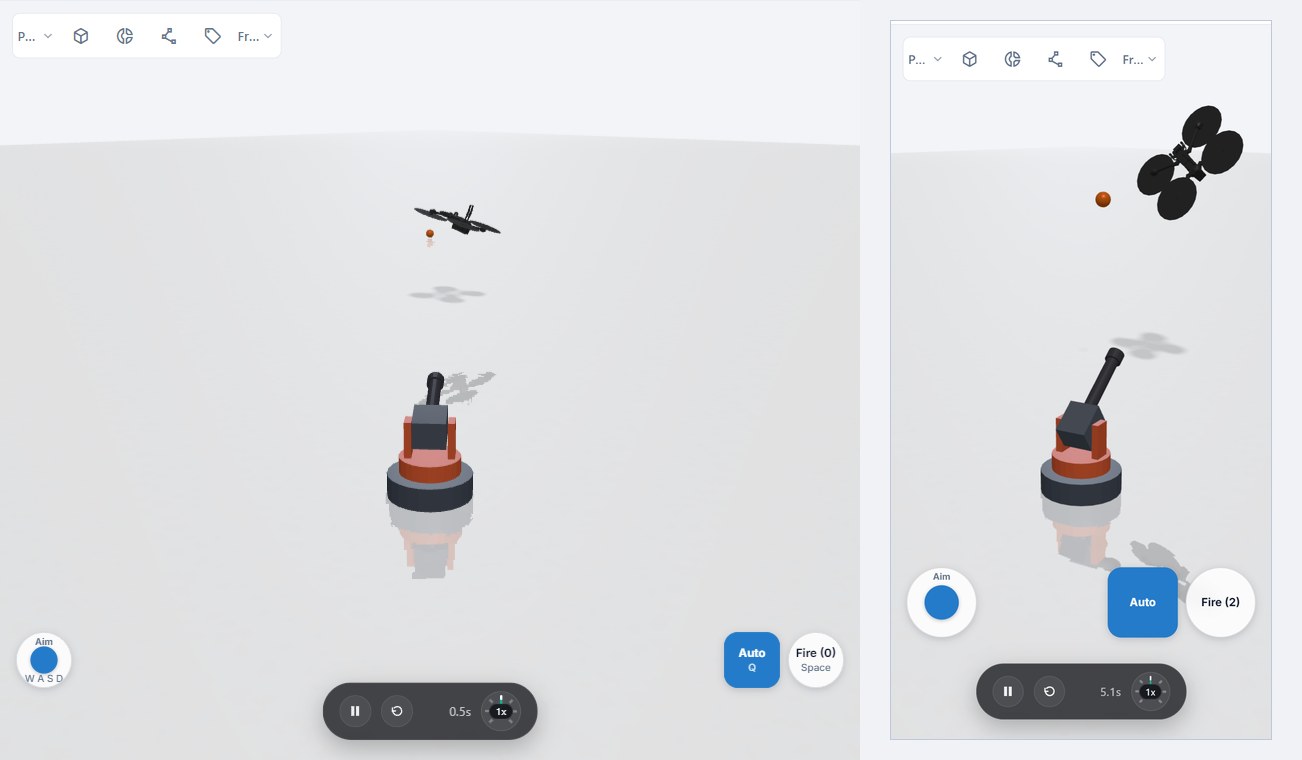
A tap, a click and a bound key all produce the same event. A script written against the pad does not know, and does not need to know, whether it is running on a phone or a laptop. Pressing a bound key also lights the widget on screen, so the bindings can be learned by watching.
Scripts receive pad input as events each tick, and only for the widgets they declare an interest in. A drone script that listens to the joystick and the height slider sees, for example, a joystick move with its new position, or a slider change with its new value. A script can also write back to the pad: relabel a button, move a slider, or light a widget. The turret demo uses this to count hits on its fire button.
The pad takes the pointer only where its widgets are. Camera orbit and body dragging work everywhere else. Bound keys drive the pad only while the simulation is playing and the focus is not in a text field, so typing in the chat never moves the robot.
Flying a drone
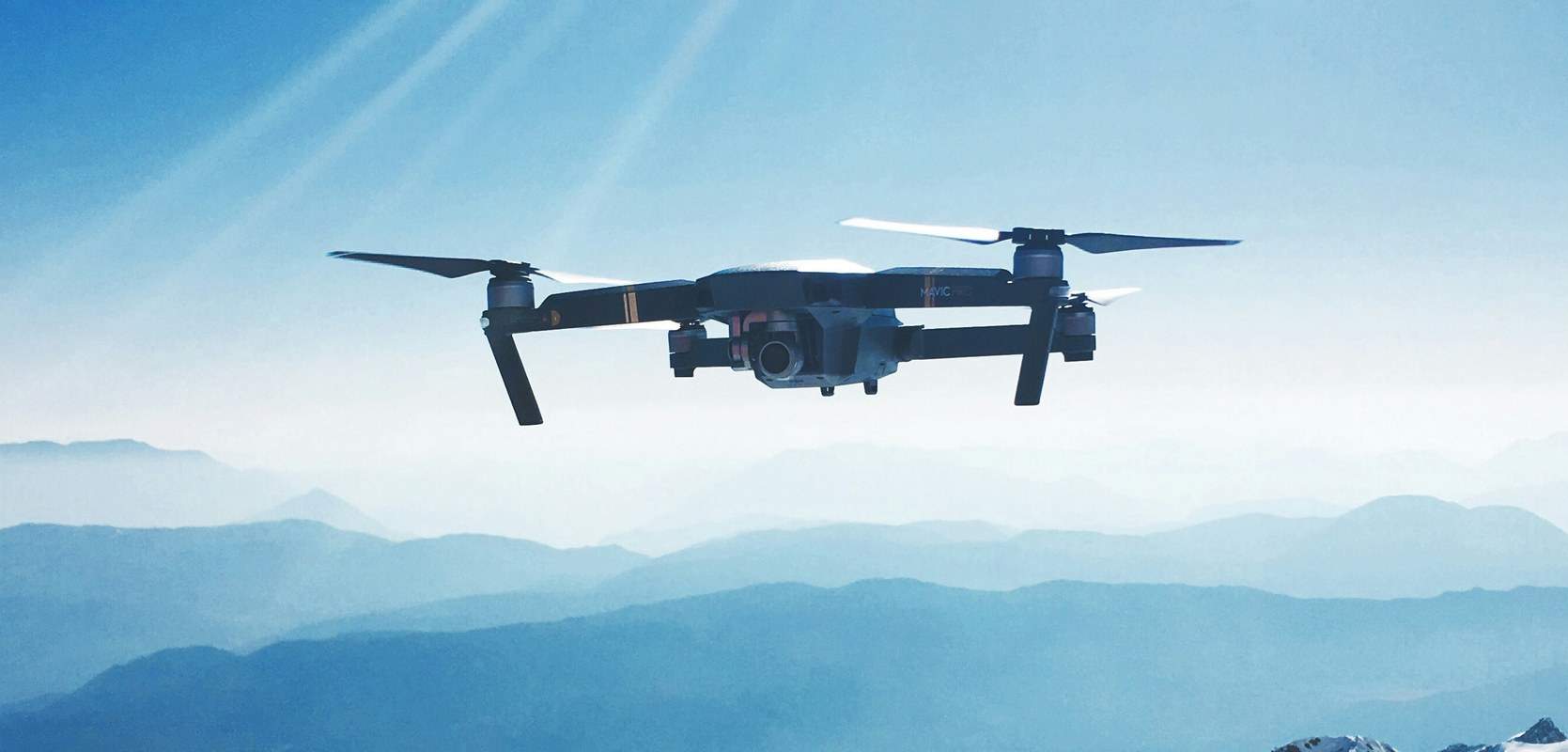
The drone demo uses a small generic quadcopter, imported as an MJCF file with four rotors and no joints. Each rotor is a thrust actuator: a force along the rotor axis, plus a small reaction torque from the spinning propeller. The reaction torque is what lets a quadcopter turn on the spot, by spinning one diagonal pair of rotors faster than the other.

A flight controller script keeps the drone in the air. Each tick it reads the drone's attitude and velocity, and sets the four rotor forces to hold the height and level the body. On top of that it takes the pad input, laid out like a hobby radio transmitter with two sticks. The left stick is the throttle: up and down climb and descend, and centring it holds the current height. Its left and right turn the drone. The right stick moves it: forward and back along its heading, and sideways. When neither stick has been touched for a few seconds, the script flies laps through a gate on its own, facing the direction it flies.
The third person camera sits behind the drone and turns with it, so pushing the right stick forward always flies away from the viewer.
What a script can see
A controller needs to know how fast things move, and where they are compared with the robot itself. Each tick, scripts get:
- Velocities for every body, in the world frame and in the body's own frame. "Am I drifting sideways" is a question about the body's own frame, and a hover controller needs it to damp its motion.
- Relative positions. Every object and every robot in the scene comes with its offset from the script's own robot, in that robot's frame, plus the closing speed and the distance. Aiming at a target becomes two arctangents on numbers that are already there.
- Projectiles from every launcher, each with a running number that never repeats, so a script can follow one particular shot.
- A lookup by id, for when a script needs one specific object.
The same numbers are available to the agent when it inspects a running scene, which is how it checks a controller it has just written.
Launchers and hits
An emitter puts objects into a scene: boxes onto a conveyor, balls into a hopper, foam balls into a toy launcher. An emitter can be mounted on a robot, so it moves with the body it is attached to. Its position is given in that body's frame, and anything it places inherits the body's velocity, so a launcher on a moving robot does not leave its shots behind.
An emitter only spawns. It can stream objects at a set rate and speed, which suits a conveyor or a game gun that fires on click, or a script can place each one exactly where it wants it, at rest or moving. Everything else is the script's: what an object is for, when a dart counts as loaded, when it has been fired. A magazine is a script that spawns darts into slots and refills the lowest empty one. From there the darts are ordinary physics bodies, and feeding and launching them is up to the design: a spring plunger, a pair of flywheels, a slingshot. A design that cannot feed or launch simply does not fire, which makes the scene a real test of the mechanism.

Projectiles can be any shape the object library supports: boxes, spheres, capsules, cylinders, or a combination of them. Spare projectiles wait out of sight with collisions switched off until the emitter needs them. Small, fast projectiles can pass through thin walls between two physics steps, so the agent is warned when a projectile moves farther than its own size in one step.
A script can listen for contacts on anything in the scene: a robot, a placed object, or everything an emitter spawned. When two bodies start touching, it receives an event that says which of its objects touched what, the closing speed just before impact and the point of impact. A dart that should vanish on a hit is removed by the script; one that should bounce on is simply left alone. The script decides what counts as a hit, so a dart touching the floor or the turret itself is just another contact it can ignore.
The hit itself is ordinary physics. The projectile has mass and speed, the target has mass, and a solid hit pushes it away while a graze barely moves it. Nothing about the reaction is scripted. The turret demo keeps score by counting contacts with the drone, and the drone's flight controller recovers from each hit the same way it holds a hover.
The turret demo is a built launcher with a box magazine. The barrel is a square channel, and a magazine well hangs under its breech. Five slim capsule shaped foam darts lie in the well on a follower plate, which rides on a sliding joint with a soft spring pushing up. A plunger rides in the barrel on its own sliding joint with a stiff spring, and a motor on the same joint pulls it back. Cocked, the plunger uncovers the well and the top dart rises into the barrel; released, the spring drives it forward and the 60 g dart leaves at around 12 m/s, enough to shove a half kilo drone off its line. The underside of the plunger holds the next dart down until the next cock.
Reload is a script too. It pulls the follower down with a motor on the follower joint, spawns darts into the empty slots above the follower, and lets the follower go. The script reloads when the magazine is empty or the Reload button is pressed, and also after two trigger pulls that fire nothing, which clears a misfed dart.
Darts slide instead of rolling, so the surfaces they touch matter. Parts and materials carry a friction value, and a contact uses the higher of the two sides. The barrel, magazine, plunger, follower and the darts are all set low. At the default the same mechanism jams.
A script solves where to aim from the drone's relative position and closing speed, allows for the flight time and the drop, and releases only when a dart is chambered and the barrel actually points at the solution. Muzzle speed comes from the spring and varies a little from shot to shot, so the script aims with the measured speed of recent shots. The turret hits roughly one shot in three. Switching Auto off hands the turret to the pad.
Driving a car
The RC car demo shows a robot with steering. The script runs a speed controller rather than raw throttle: the joystick sets a target speed, and releasing it brakes the car to a stop. The steering angle is limited by speed, so a sharp turn at speed does not roll the car over. When nobody has touched the pad, the car drives itself over the ramp once and stops.
Circuits
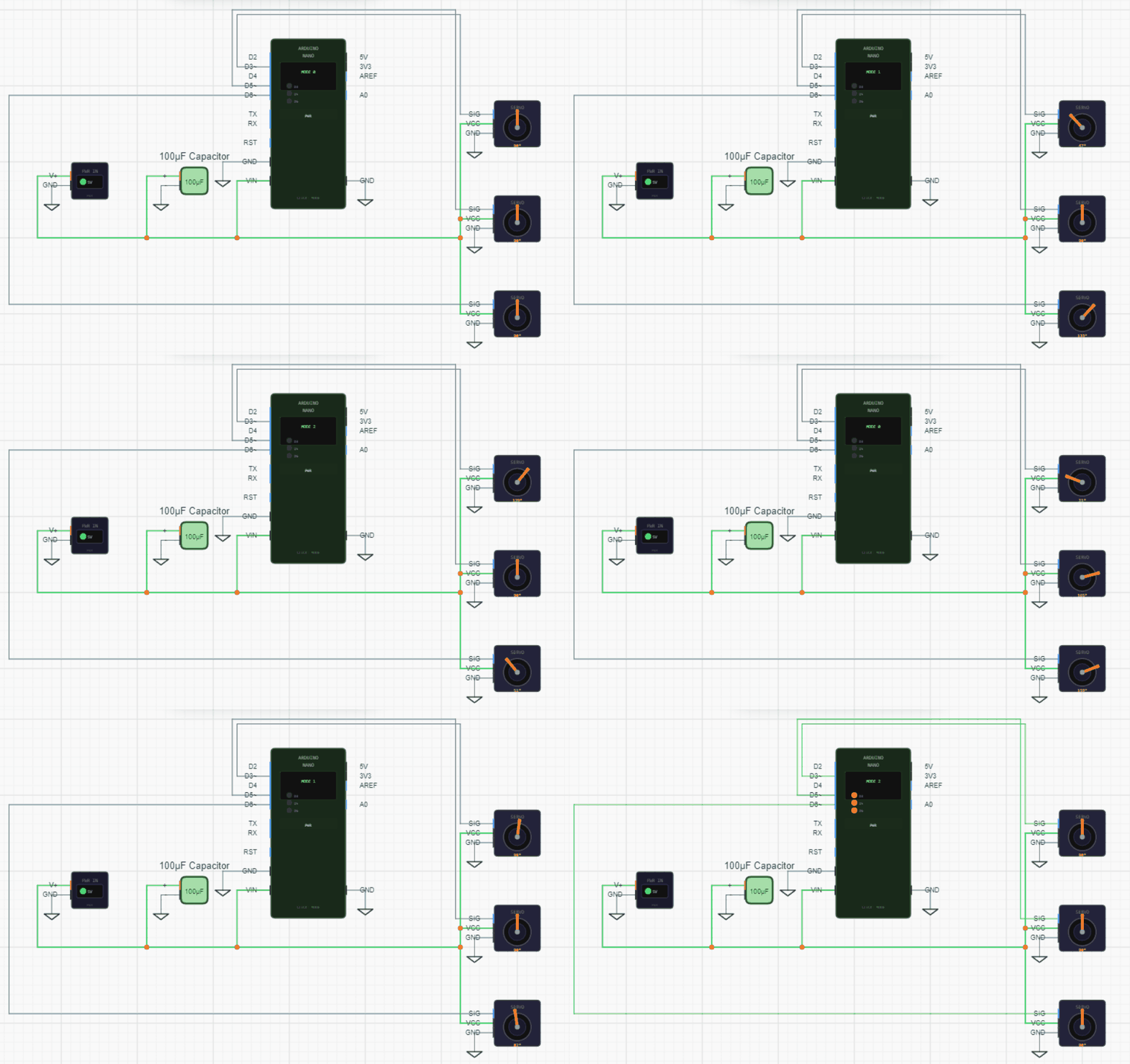
The same pad works in the electronics simulator. A component's simulation declares which widgets it listens to, and receives the same events as a control script. In the servo demo, a joystick sets two servo angles through the microcontroller's PWM outputs, a slider sets the third, and a toggle hands control back to a preset sweep pattern.
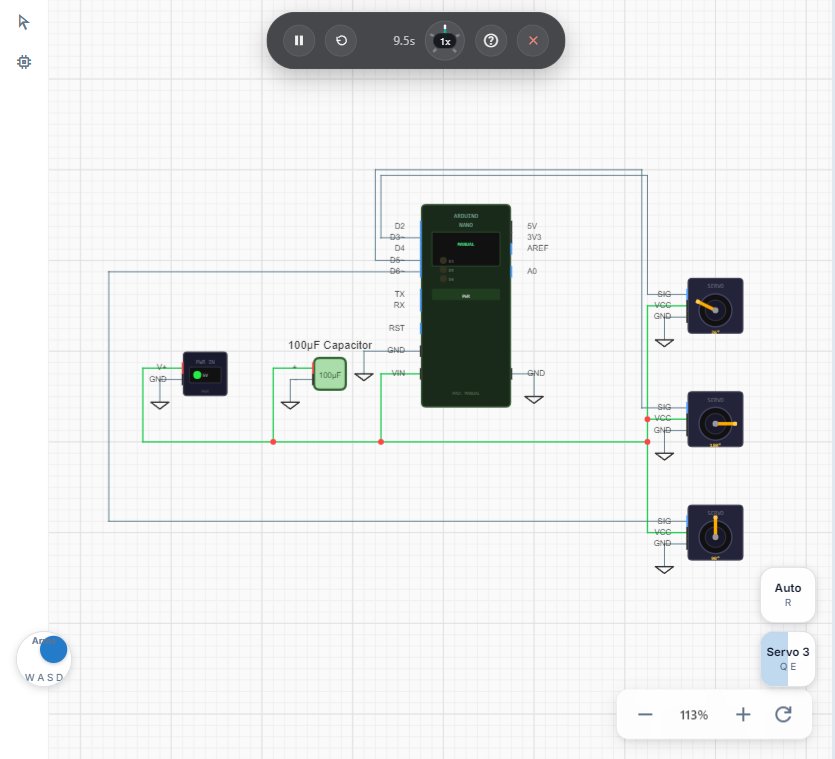
A circuit with a pad does not need a physical input drawn on the schematic. A motor driver, a throttle or a robot controller can be tried by hand before the hardware exists.
From the agent
The agent builds all of this. In a scene it places pad widgets with one tool call, giving each a kind, a corner, a cell and optional keys, and then writes a script that lists the widgets it listens to. In a schematic it uses the same tool, and the component simulation lists the widgets instead. The layout is checked when it is saved: two widgets in one cell, a key bound twice or the wrong number of keys for a joystick are rejected with a message the agent can act on.
When inspecting a running scene, the agent also sees warnings for wiring mistakes: a widget that no script listens to, a script listening to a widget or an object that does not exist, an object spawned inside something, or an emitter that ran out of spare objects.
The agent works fast but not always right. Controllers are the part most likely to need a second pass. A drone controller with gains tuned for a heavier body oscillates, and a turret that fires on its commanded angle rather than its measured one misses. Watching the scene and reading the script's logs is the quickest way to find out.
What to check
A simulated controller is a model of a controller. The drone's mass and inertia come from its collision shapes, which only approximate the real airframe, and the rotor forces stop at the limits the model declares. Gains that fly well here are a starting point for hardware, not a substitute for testing on it.
Simulation time per frame is capped, so on a slow device the scene runs in slow motion rather than letting a controller go unstable. A controller that only behaves at a high frame rate is worth retuning before relying on it.
What can be built
Launchers in Flomotion are for toys: foam darts, balls, slingshots, catapults. Weapons and devices intended to cause harm are not allowed under the terms of service, and that applies to simulated designs as much as to anything published.
Try it yourself
Open the workspace, describe a part, and see what the agent does with it. No install, no setup. Sign-in is optional for the first run.
Start building